Write your data from CRM Analytics into Microsoft’s Azure Data Lake with the Azure Data Lake output connector. Write recipe output datasets as one or more .csv files to your data lake, improving your overall business processes with better data. For example, you can output processed and transformed customer service data to help your team improve customer satisfaction. This feature is now generally available.
Where: This change applies to CRM Analytics in Lightning Experience and Salesforce Classic. CRM Analytics is available for an extra cost in Enterprise, Performance, and Unlimited editions.
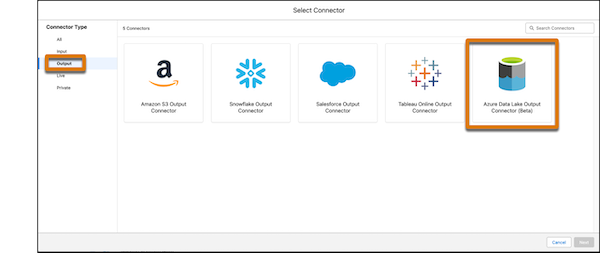
How: In Data Manager, create an Azure Data Lake output connection.
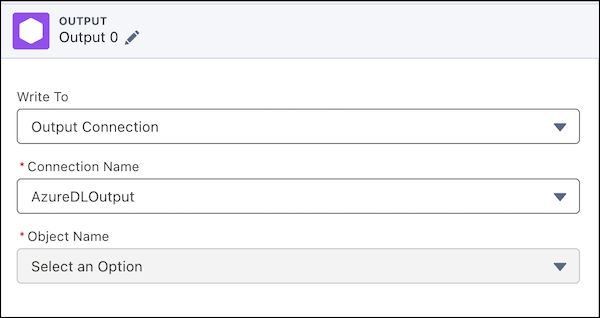
In your Data Prep recipe, for your output node, write to an Output Connection and select your Azure Data Lake connection name.