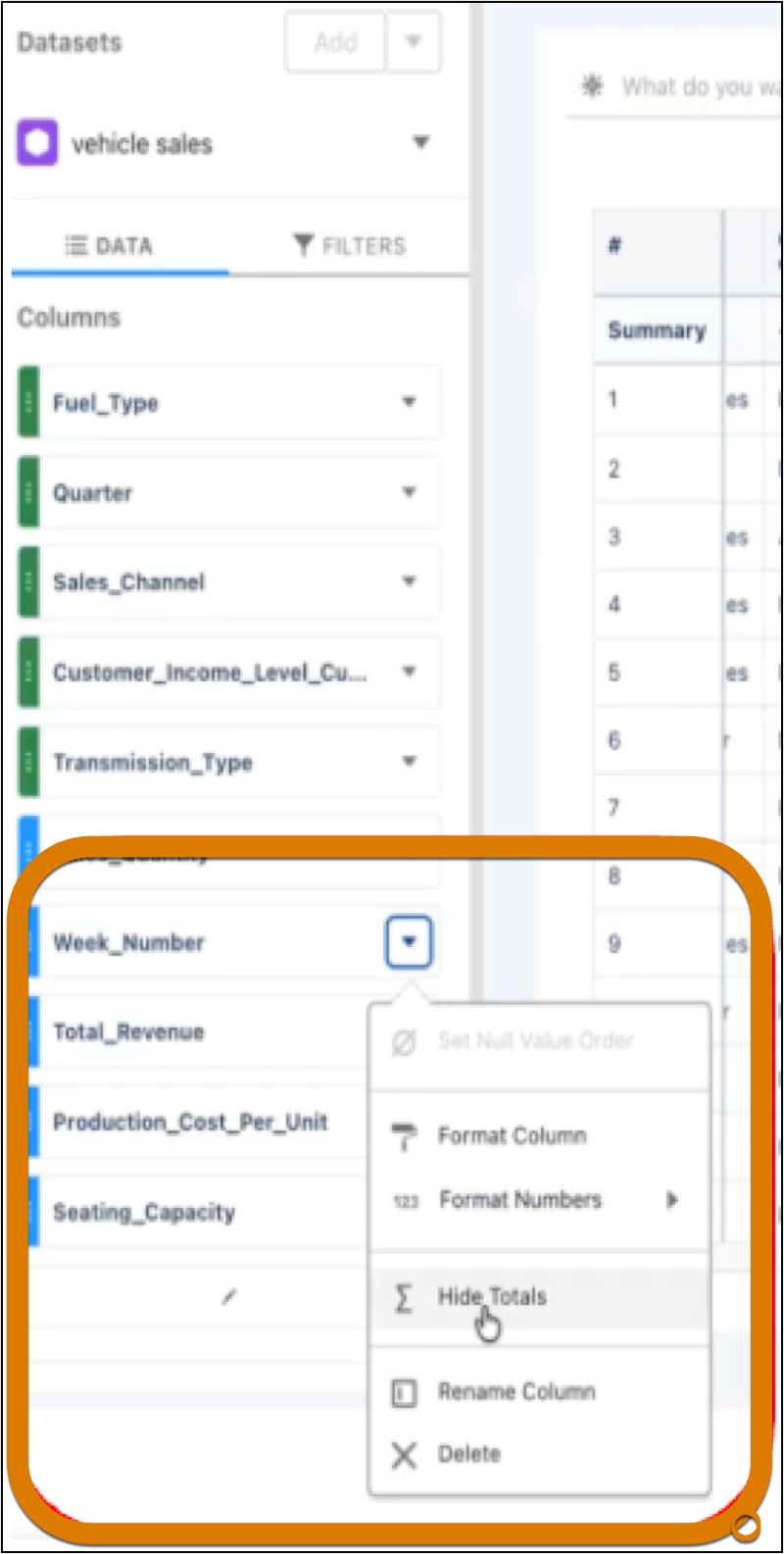
Customize your dashboard tables to show only the summaries that matter to you. You can now hide totals for columns where a summary doesn't add value, such as ratios or unique identifiers. This update simplifies complex compare tables by focusing attention on the most impactful metrics.
Where: This change applies to CRM Analytics in Lightning Experience and Salesforce Classic in Developer Edition and Enterprise, Performance, and Unlimited editions.
How: Create or edit a compare table. Enable Show Totals then select Hide Totals or Show Totals on the column totals you want hidden or revealed. Examples of helpful columns to show are Quota Attainment, Rank, or Sales Amount.