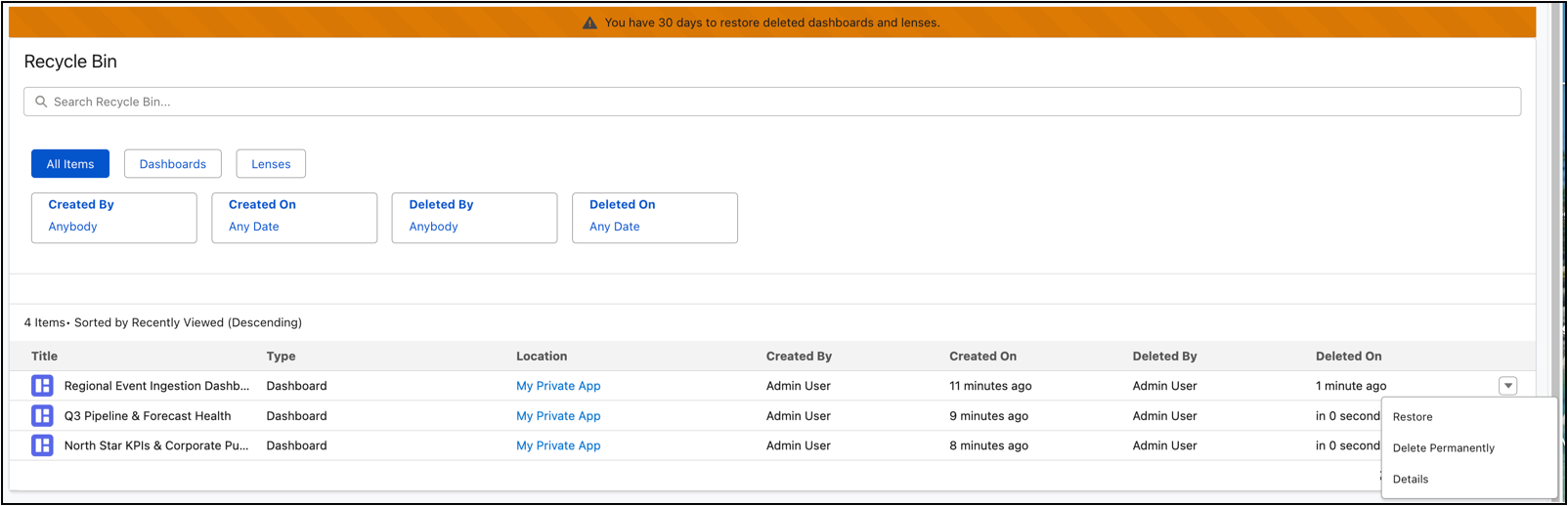
Safeguard your critical analytics by moving deleted dashboards and lenses to a dedicated recycle bin instead of losing them forever. View, manage, and restore these assets to their original state while automatically pausing associated subscriptions and notifications during the retention window.
Where: This change applies to CRM Analytics in Lightning Experience and Salesforce Classic. CRM Analytics is available in Developer Edition and for an extra cost in Enterprise, Performance, and Unlimited editions.

Who: To access this feature, contact Salesforce support.
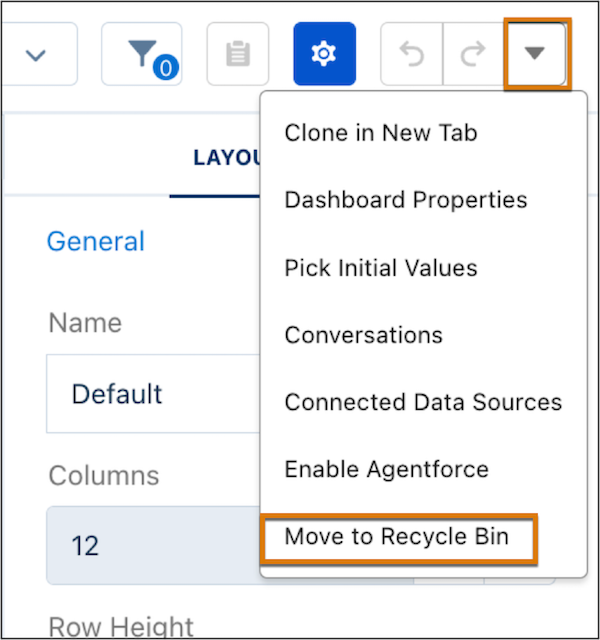
How: To recycle a dashboard, enter edit mode and choose Move to Recycle Bin from the Action menu.
Access the Recycle Bin on the Home page panel to manage your deleted assets. You have a 30-day window to restore any items before they are permanently removed.