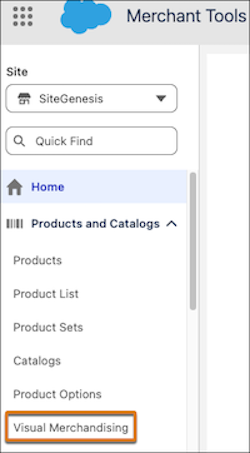
In Business Manager, you can now manage Visual Merchandising using two methods: create boost and bury rules manually through the standard interface, or use the B2C Merchant Agent to create rules with natural language.
Where: This change applies to Business Manager in B2C Commerce.
When: The Merchant Agent is available June 25, 2026. Configuring manual boost and bury rules is already available.
How: In Business Manager, go to . Create rules and assign products manually or select, and create rules with the Merchant Agent.