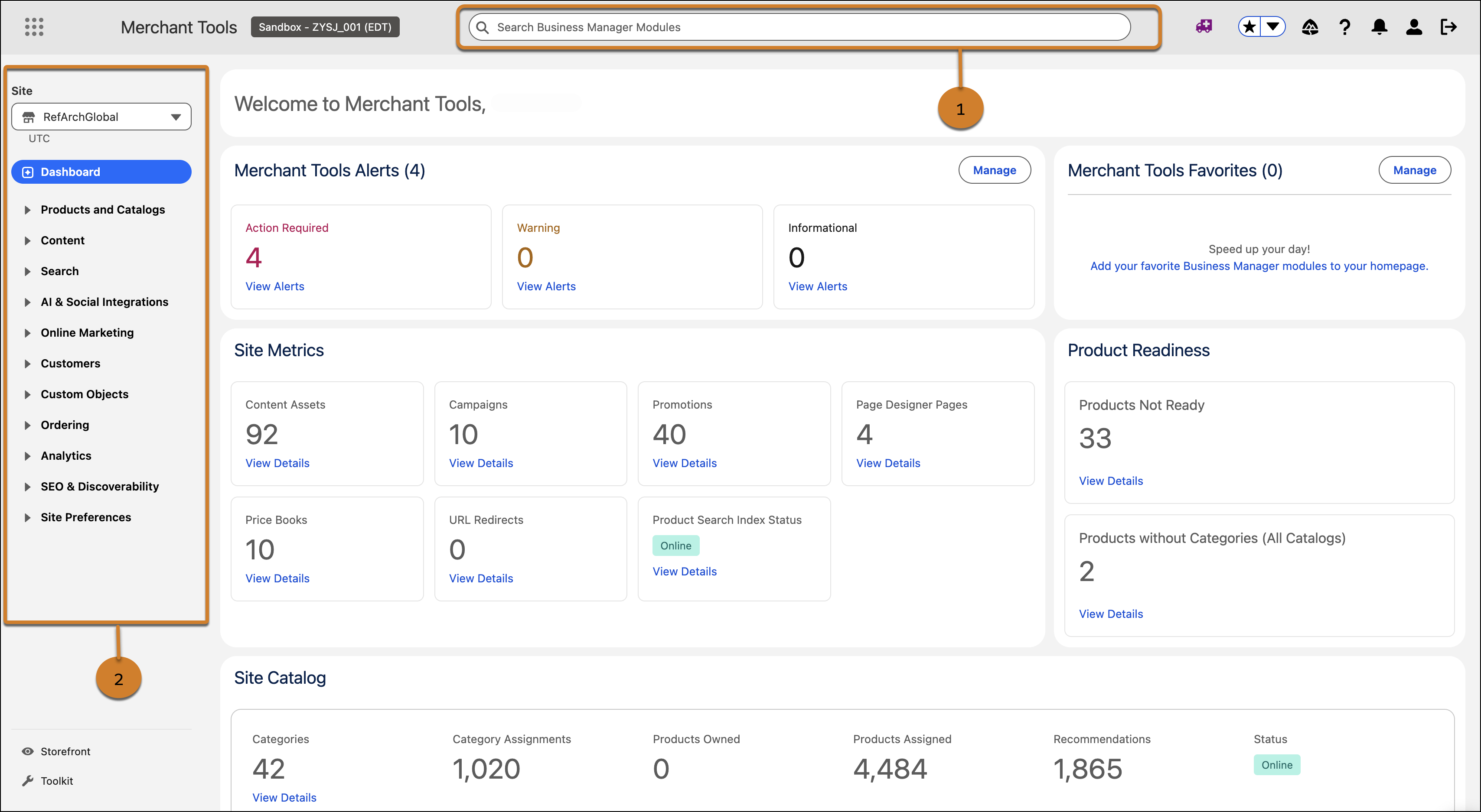
Streamline navigation and find tools faster with a new search bar in the header and an updated left navigation menu in Business Manager. Use header search to find pages across Merchant Tools and Administration from one combined list, without opening the waffle menu first. The updated left navigation provides more vertical space for nested categories and improves scanability with tighter spacing, left-aligned accordion toggles, and a higher-contrast layout.
Where: This change applies to B2C Commerce.
How: To find tools and pages, use the search bar in the header (1). To browse categories, use the updated left navigation menu (2).