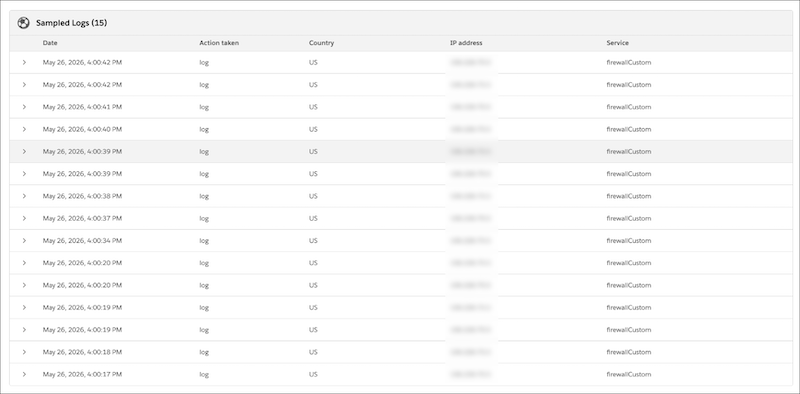
Investigate firewall activity at the per-request level directly from the Analytics tab on the Configure Zones page. Switch to Security mode to view up to 15 sampled firewall events from a selected time range, with detail including action, country, IP, service, WAF Attack Score, SQLi/XSS/RCE scores, Ray ID, User Agent, ASN, HTTP method, query string, host, and matched rule.
Where: This change applies to B2C Commerce.
How: In Business Manager, go to Administration | Sites | Embedded CDN Settings, and then select Configure Zone. Select the Analytics tab and switch to Security mode to access the Sampled Logs panel.