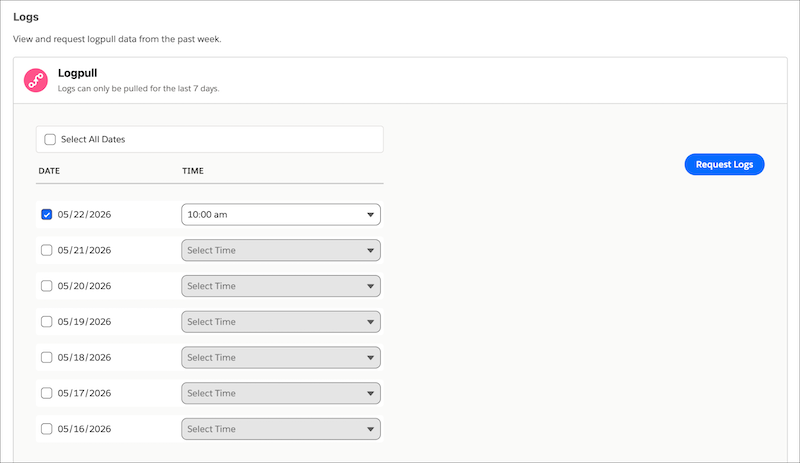
Monitor and troubleshoot your eCDN traffic directly from the Logs tab on the Configure Zones page. Use Logpush to stream HTTP Requests, Firewall Events, or Page Shield Events continuously to Amazon S3, Google Cloud Storage, Azure Blob Storage, Datadog, or Splunk, with up to 2 active jobs per zone. Use Logpull to download request logs from the past 7 days on demand with no destination setup required.
Where: This change applies to B2C Commerce.
How: In Business Manager, go to Administration | Sites | Embedded CDN Settings, and then select Configure Zone. Select the Logs tab to configure Logpush jobs and download logs.