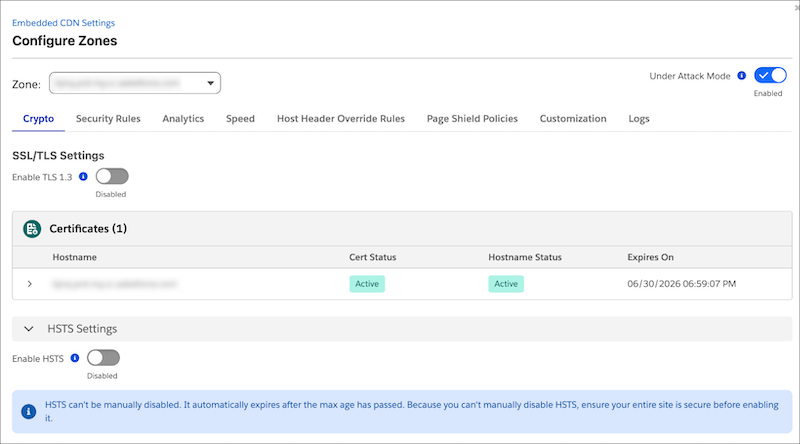
A new Configure Zones page in Business Manager consolidates all eCDN controls into a single, tabbed interface. Manage TLS certificates, WAF rules, performance optimizations, custom error pages, logs, and analytics from one location. Existing Trusted IP configurations are automatically migrated to the new WAF-backed architecture with no manual action required.
Where: This change applies to B2C Commerce.
When: Rollout is phased by realm, starting June 9 and completing by July 28. Your Salesforce account team has per-realm dates. If the new tabs aren't visible after the scheduled migration date, then contact Support.
How: In Business Manager, go to Administration | Sites | Embedded CDN Settings, and then select Configure Zone. Tabs include Crypto, Security Rules, Speed, Customization, Logs, and Analytics.