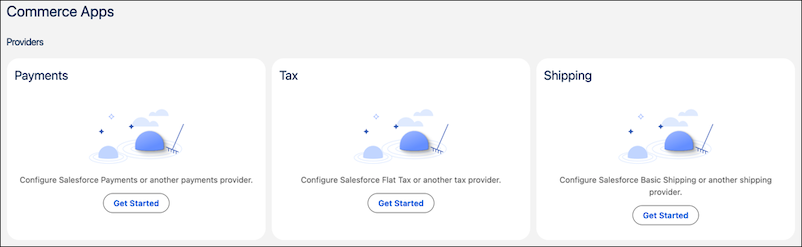
Install and configure Commerce apps for payments, tax, and shipping from the Commerce Apps page in Business Manager. Use one-time setup tasks instead of fragmented manual processes. Monitor integration health, control where Commerce app components appear in your storefront, and view real-time status updates for your checkout providers.
Where: This change applies to B2C Commerce.
How: In Business Manager, click App Launcher, and then select . In the Providers section, click Get Started to install the app.