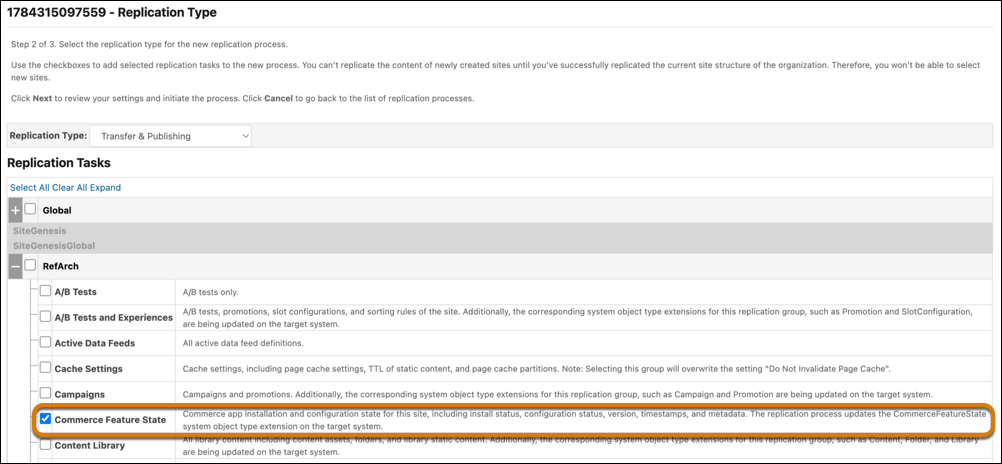
Install and configure the Commerce App Package (CAP) on a staging instance and then publish the package to production using the new SITE_COMMERCE_FEATURE_STATE replication group. Run code replication before data replication to deploy cartridge dependencies first and prevent run-time errors when configuration tasks reference custom code or hooks.
Where: This change applies to B2C Commerce.
How: In Business Manager, click App Launcher, and then select . See Create a Code Replication Process in B2C Commerce. Then
select . Run data replication by using the SITE_COMMERCE_FEATURE_STATE
replication group. See Create a Data Replication Process in B2C Commerce and
Data Replication Tasks in B2C Commerce.