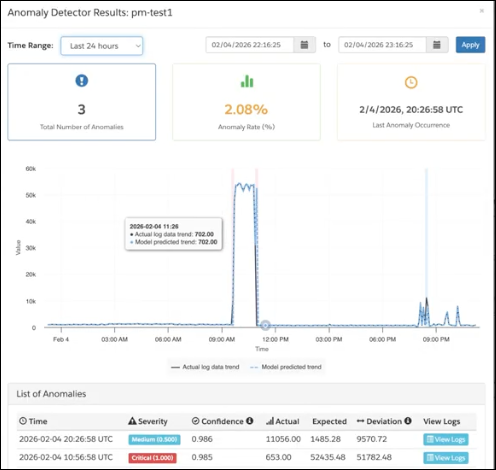
Identify performance regressions and security anomalies, such as error spikes or failed logins, earlier by running an Anomaly Detection log. You no longer need to manually investigate issues. B2C Commerce analyzes log patterns and shows anomalies in real time.
Where: This change applies to B2C Commerce.
How: In Business Manager, open Log Center. Go to Logs | Anomaly Detection and configure an anomaly detection.