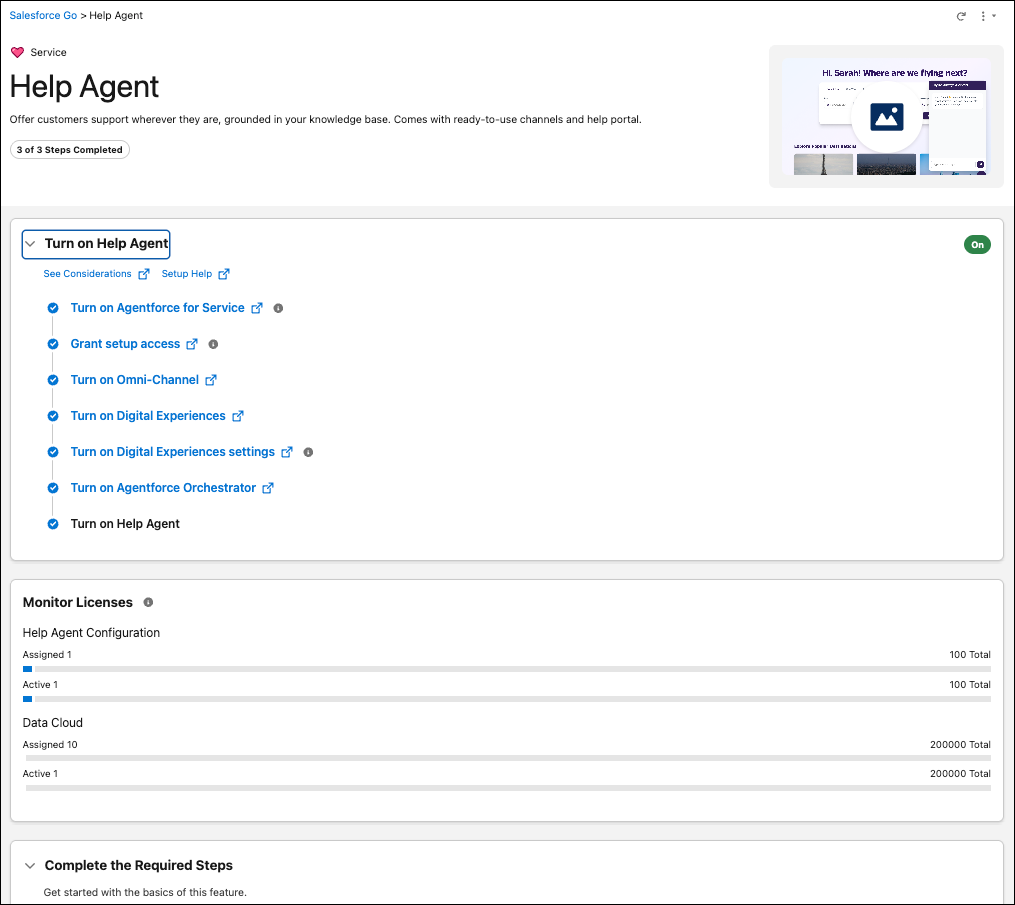
Quickly build AI-powered service channels grounded in your knowledge base using Quick Service Agent Configuration. This process can create your self-service help portal, Voice channel, or web chat and power them with Help agent, built on the Agentforce Service agent template. This process handles setup and prerequisites automatically, letting you launch channels without the overhead of Experience Cloud sites or user profiles. Use these channels to provide 24/7 support and deflect cases.
Where: This change applies to Lightning Experience in Enterprise, Performance, and Unlimited editions with Service Cloud and with Agentforce for Service and Agentforce 1 editions. These editions include required licenses, such as Data 360, to set up and use Quick Service Agent Configuration. This change requires the Help Agent add-on license.
When: This feature is delayed and will be available on July 9, 2026.
Who: Users with the Quick Service Agent Configuration permission set license and permission set can create Help Agents.
How: To create a Help agent, go to the Help Agent page in Salesforce Go. In the Turn on Help Agent section, turn on Help Agent. Finally, in the Build a Help Agent section, build the agent and deploy it to channels.