
When you preview an agent, it’s easier to find where to set initial variables so your agent’s preview behavior accurately reflects your user’s context. Previously, you viewed and edited variable values in the Variables tab in the bottom panel, next to Trace. Now you set and override variable values in the new Context Variables tab, which is more discoverable at the start of a session. We’ve also added an icon to warn you when your agent uses a linked variable that’s set for you in production, but isn’t set in preview—for example, a value that’s filled from the Messaging Session object when your agent is live on a Messaging channel. To track variable values throughout the session, you can still use the Variables tab in the bottom panel.
Where: This change applies to Lightning Experience in Enterprise, Performance, Unlimited, and Developer Editions with Foundations or Agentforce 1 Editions. Setup for AI agents is available on the desktop site.
When: This change is available starting the week of June 15, 2026.
How: To set variables before you start a preview conversation, open the Context Variables tab and specify values for any variables.
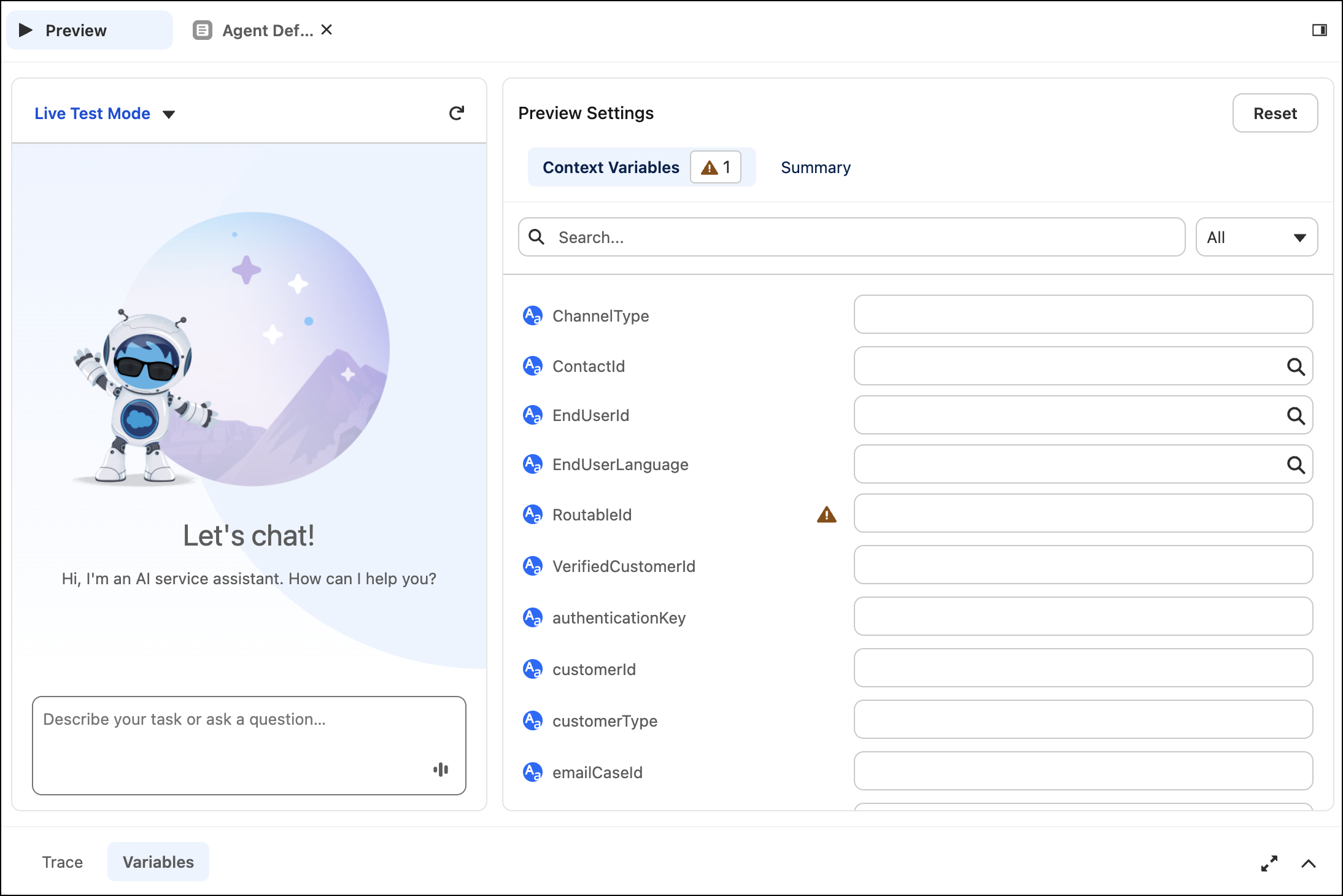
When you start a preview conversation, the view switches from the Context Variables tab to the Summary tab, where you see the Interaction Summary of your agent’s behavior. You can switch between the tabs at any time.