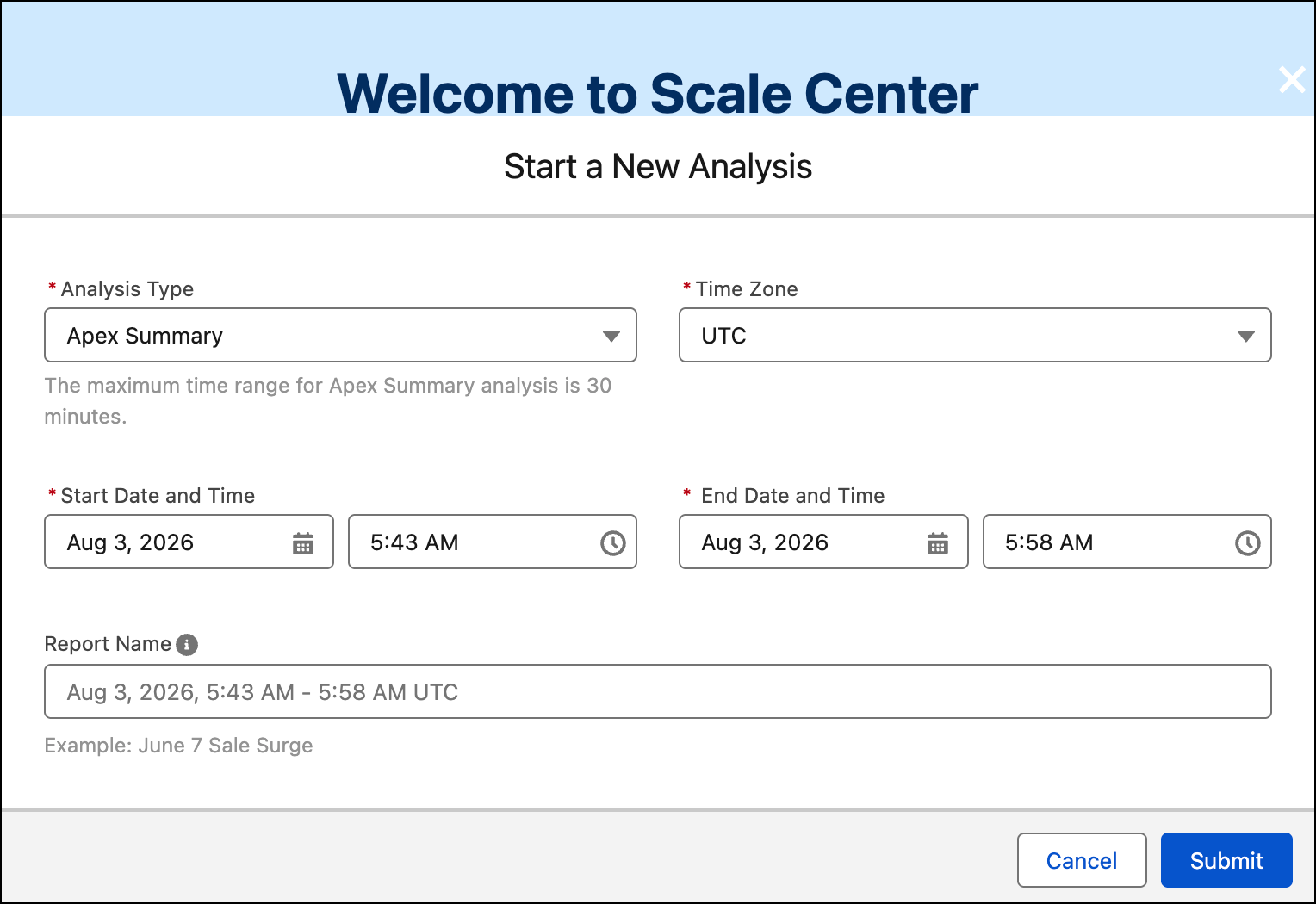
Agent Health Monitoring detects silent agent failures—like spiking error rates or high latency—in near-real time across your AI agents. Create alerts for standard or custom metrics, then get notified when thresholds are breached. Use session traces to debug conversation flows and identify root causes. Address issues quickly so you can mitigate customer impact.
Where: This change applies to Lightning Experience in Enterprise, Performance, Unlimited, and Developer editions with Foundations or Agentforce 1 editions.
When: Agent Health Monitoring is available starting the week of August 3, 2026.
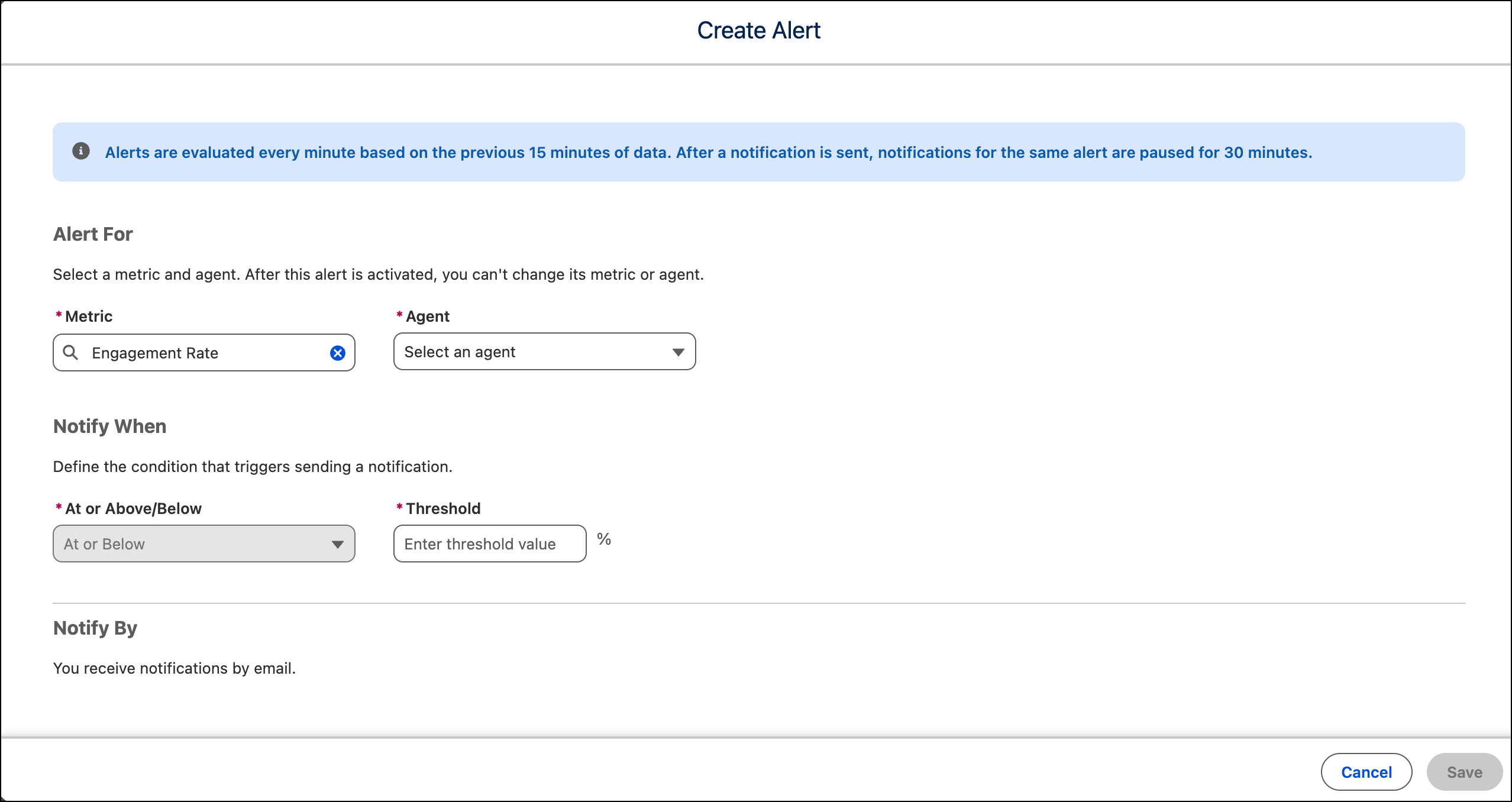
How: In Setup, turn on Agent Health Monitoring. In Agentforce Studio, click Agents and, in the Explorer under Observe & Optimize, click Alerts. Click Create Alert, select the metric and agent you want to monitor, and specify a threshold value.
Select Notifications to see notifications from alerts you created.
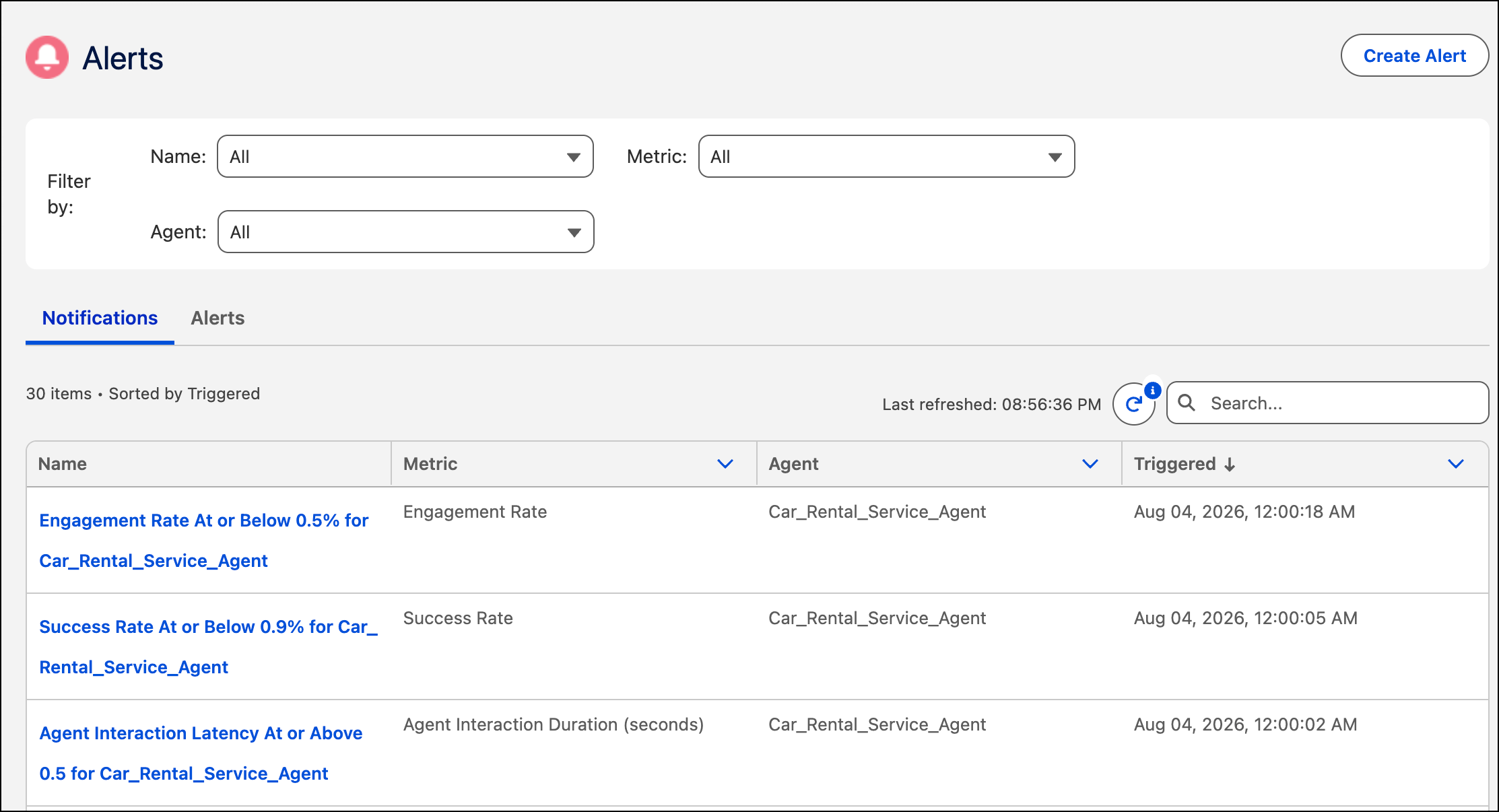
Click a notification name to investigate sessions associated with the notification.
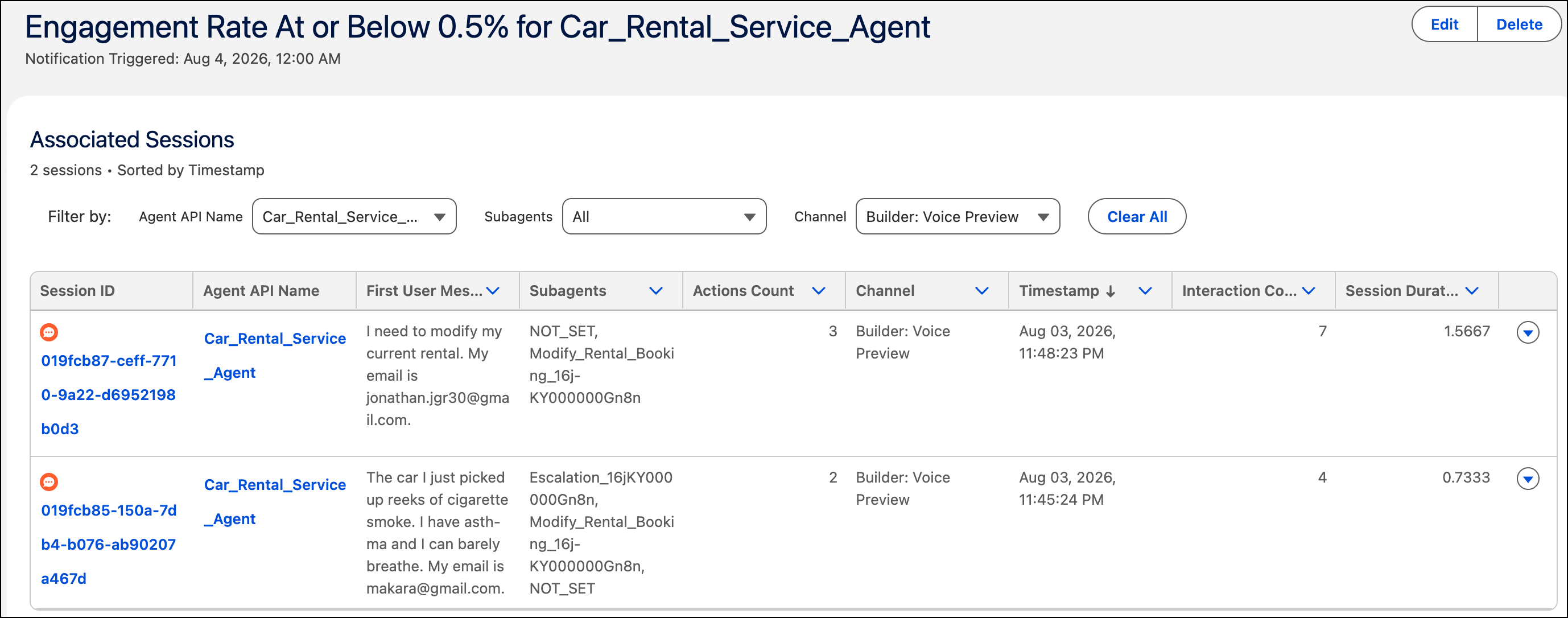
From the Sessions page:
- Select the agent API name to view the agent in Agent Builder.
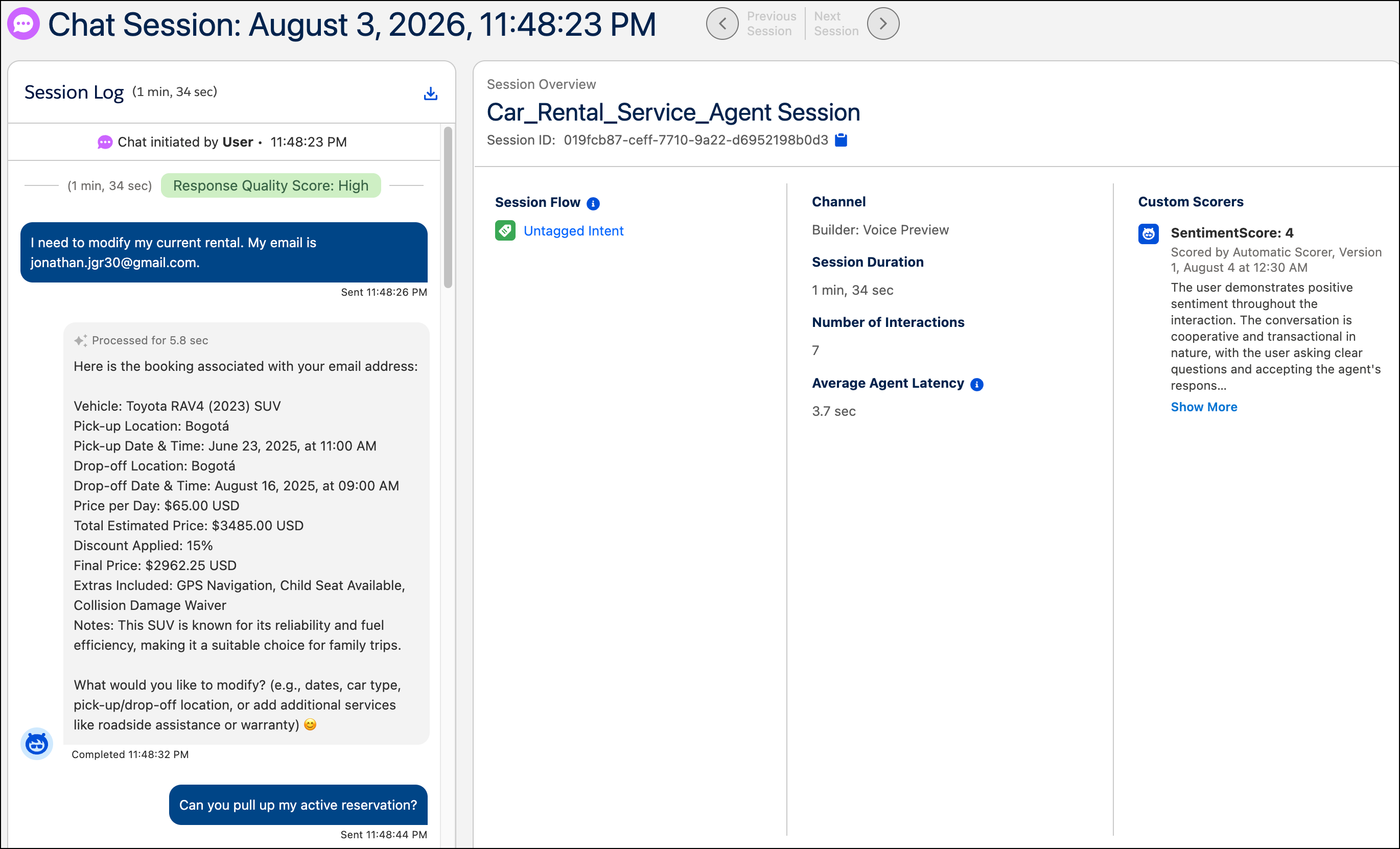
- Select the session ID to investigate what happened during an individual
conversation.
- Select Scale Center from the drop-down to investigate the
notification in Scale Center. Select Submit to begin the
analysis and then review the results.