Migrate From Marketing Cloud Engagement or a Business Service Provider to Unified WhatsApp Faster
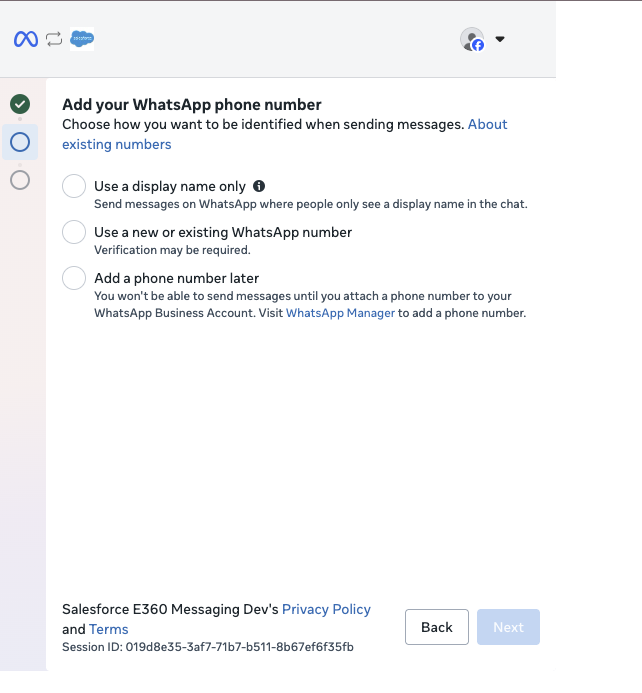
To reduce migration downtime from two or more days to under four hours, migrate your WhatsApp Business Account (WABA) to Unified WhatsApp first and elect to add your phone number later. Previously, you could only migrate your WABA with a phone number, which set in place a 1-2 day downtime before you could migrate templates.
Where: This change applies to Unified WhatsApp. View required editions.
How: When migrating from Marketing Cloud Engagement or a business service provider, select the option in Meta to add a phone number later. After your templates have migrated, go back through the migration setup flow and add your phone number.