
Developers can customize supported visual elements in the Agentforce Conversation Client (ACC) Web SDK with their own images. This update provides more branding flexibility when developers integrate Agentforce Employee Agent (AEA) conversational experiences into external web applications.
Where: This feature applies to ACC Web SDK embedded experiences in external web applications.
How: Upload your custom images as static resources on your Salesforce server. Then provide the static resource file paths to the ACC SDK configuration.
The ACC Web SDK supports customization of three visual elements:
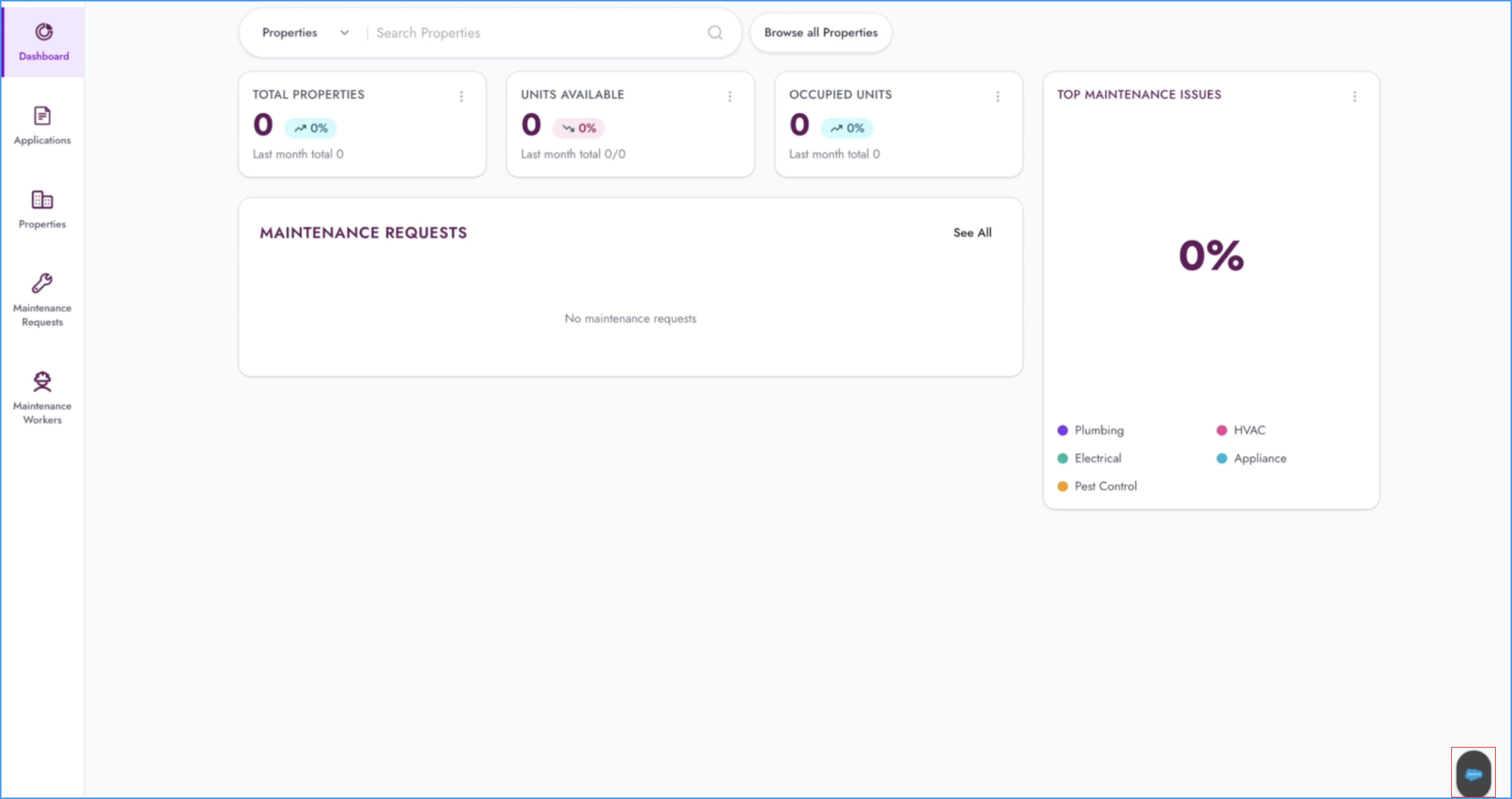
- Floating button icon: Customize the icon for the Floating Action Button (FAB), the primary entry point for the Agentforce Conversation Client.
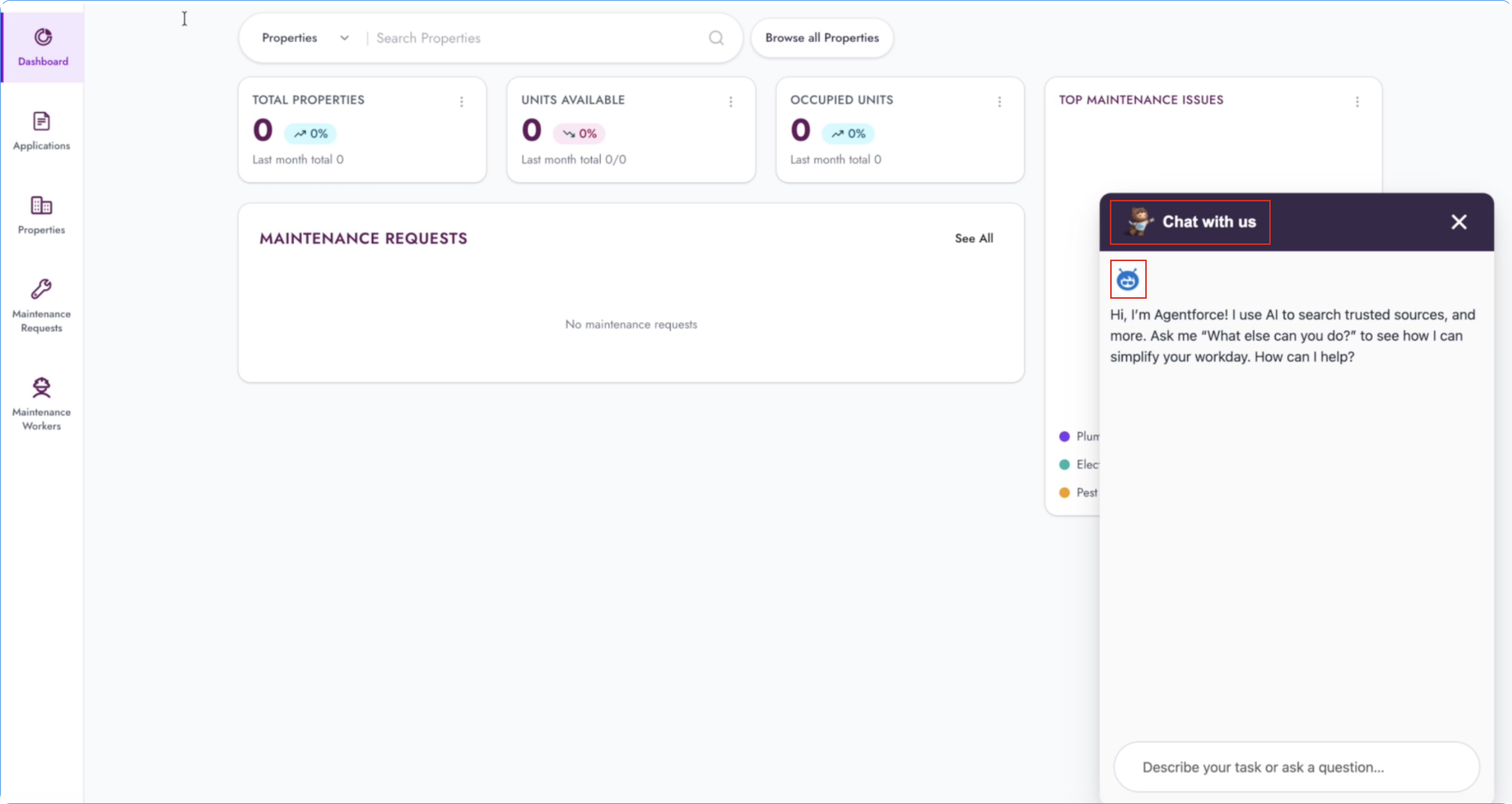
- Header image: Customize the image in the ACC UI header.
- Agent avatar: Customize the agent profile image that appears in the conversation.
The SDK uses your custom images in place of the default images for those visual elements.
Note: Custom images must be hosted as static resources on your Salesforce server so the ACC Web SDK can access them properly.