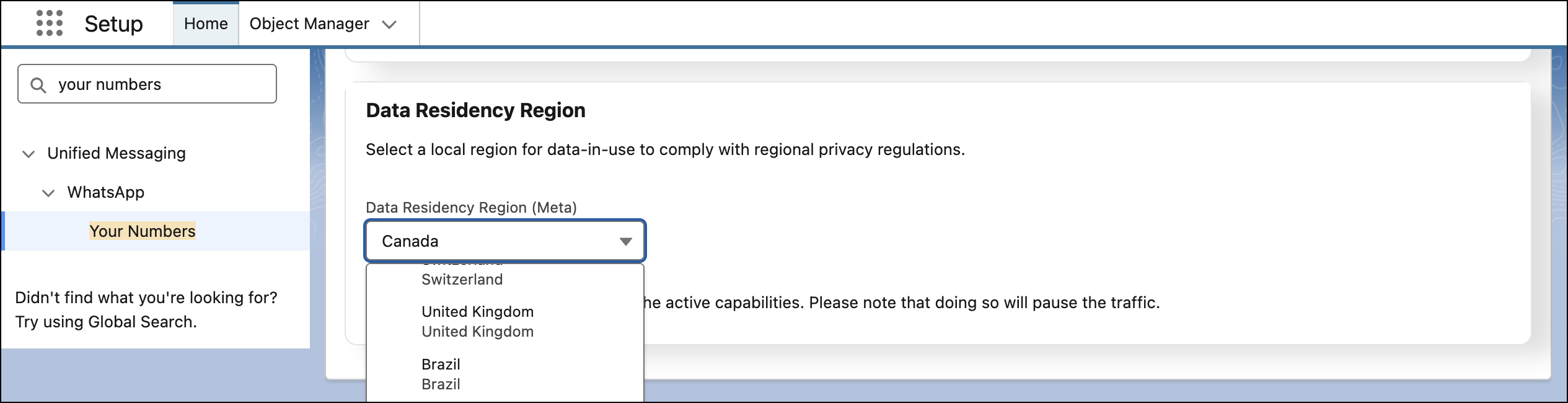
Define the specific country or region where your WhatsApp data is stored at rest on Meta's side. By giving you control over data residency for each individual phone number, we help you meet your internal compliance and regulatory requirements.
Where: This applies to Unified WhatsApp in Enterprise and Unlimited Editions for Marketing Cloud Engagement Growth and Advanced Editions.
How: On the Your Numbers page in Setup, click to open the settings page for your Unified WhatsApp number. Deactivate any active capabilities, then make a selection from the Data Residency Region (Meta) dropdown. After you receive a green confirmation message, reactivate your capabilities.