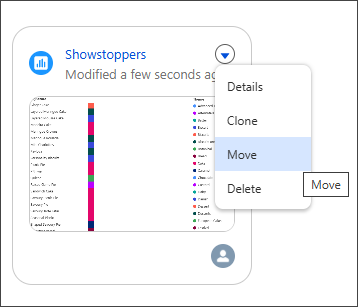
Easily move any asset in your workspace to another workspace to better manage content and permission requirements as your projects grow. The move action automatically includes the other member assets that the primary asset depends on. This simplifies the process of restructuring content to align with your team's changing needs.
Where: This change applies to Tableau Next in Enterprise, Performance, and Unlimited editions.
How: From the workspace, select Move from the drop-down action menu for the asset you want to move.