
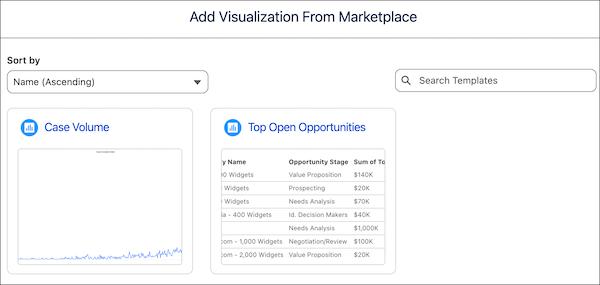
Tableau Next Marketplace visualization templates reduce your design lift and give you a quicker start creating your own insights. These out-of-the-box visualization templates provide pre-built insights into your Sales and Service data. You can monitor your case volume or keep an eye on your top open opportunities.
Where: This change applies to Tableau Next in Enterprise, Performance, and Unlimited editions.
How:
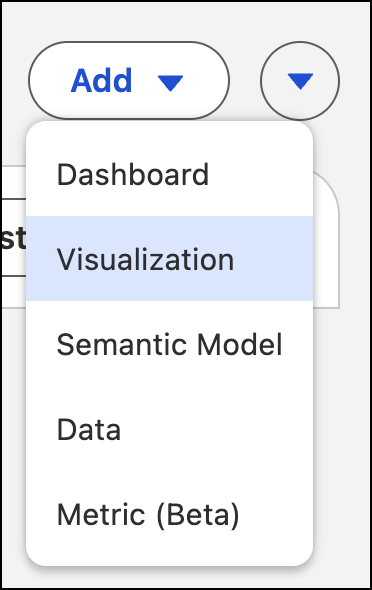
- From your Tableau Next workspace, click Add and select Visualization
- Under Create New, select From Marketplace.

- Select the visualization template that you want to use and walk through the flow to create your visualization.
To use Sales and Service data, these Tableau Next visualization templates require the prior installation of the associated data kit and data bundles.