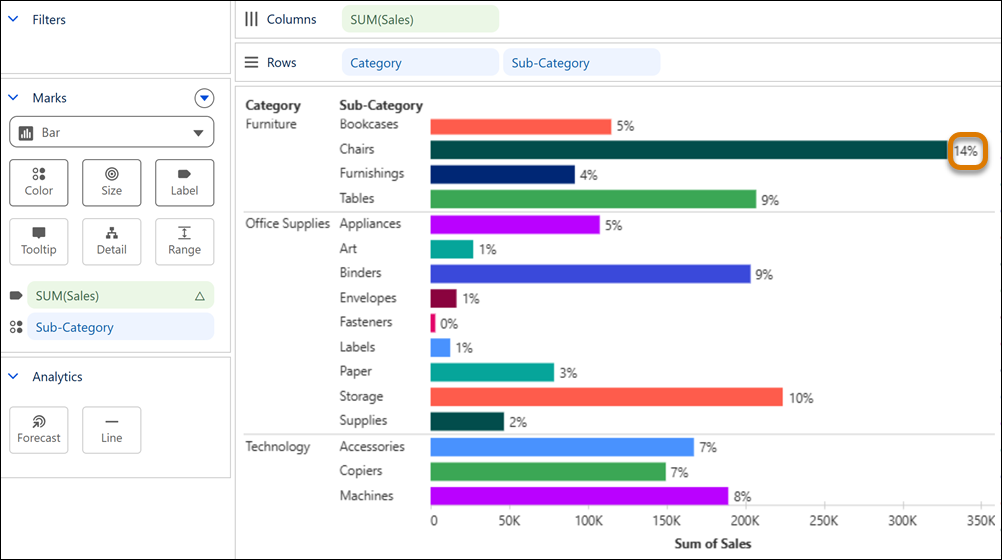
Compare how segments contribute to an overall total in Tableau Next by adding percent of total in fewer clicks. Include this calculation in charts to quickly spot categories that stand out. Add percent of total to tables to review each value’s share alongside the total. For added insight without changing the view, apply percent of total to marks properties like tooltip or detail.
Where: This change applies to Tableau Next in Enterprise, Performance, and Unlimited editions.
Why: For example, in a bar chart showing sales by category and sub-category, include percent of total as a label to evaluate each sub-category’s share of the total alongside sales.
How: From a measure’s context menu, select .
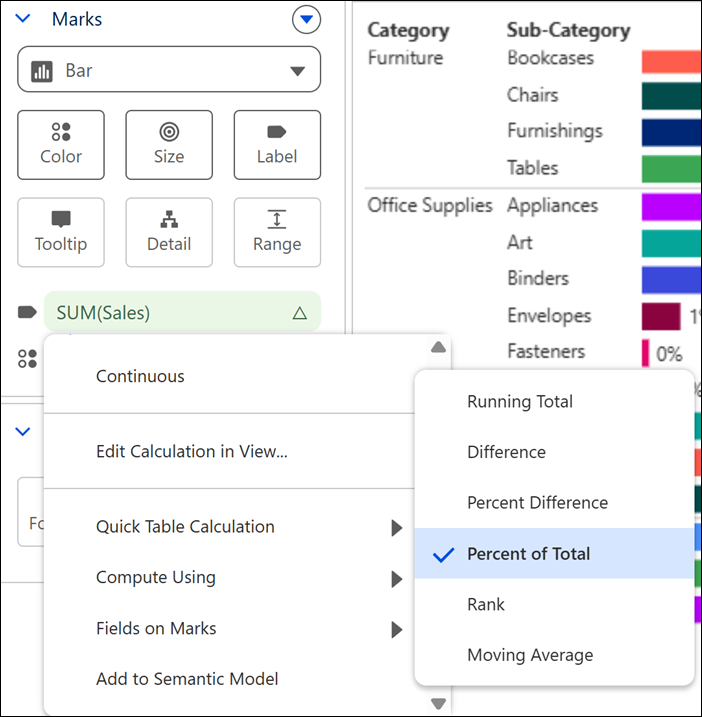
To set how the percentage is calculated across fields, select Partition or Order By from the Field on Marks menu option.