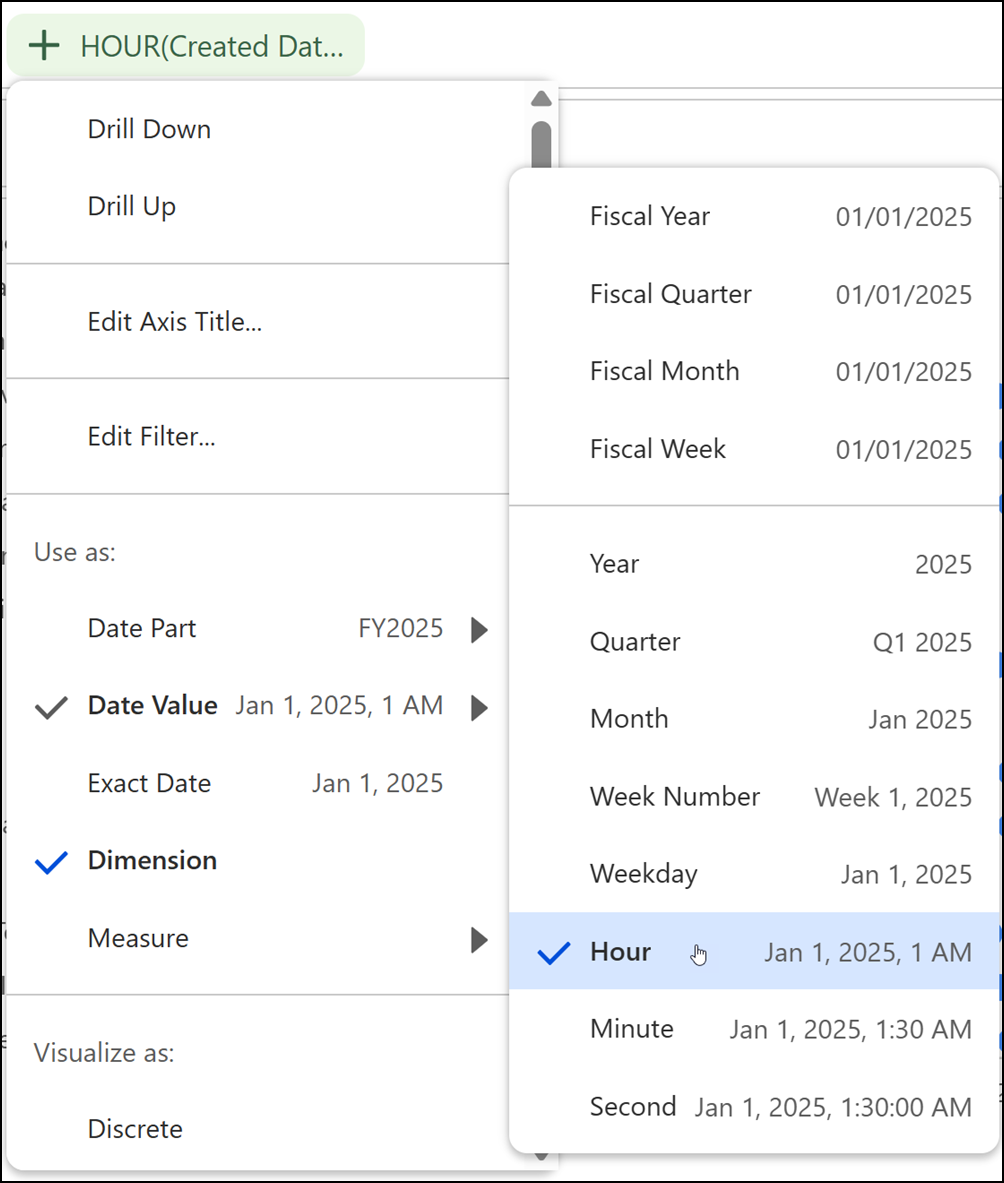
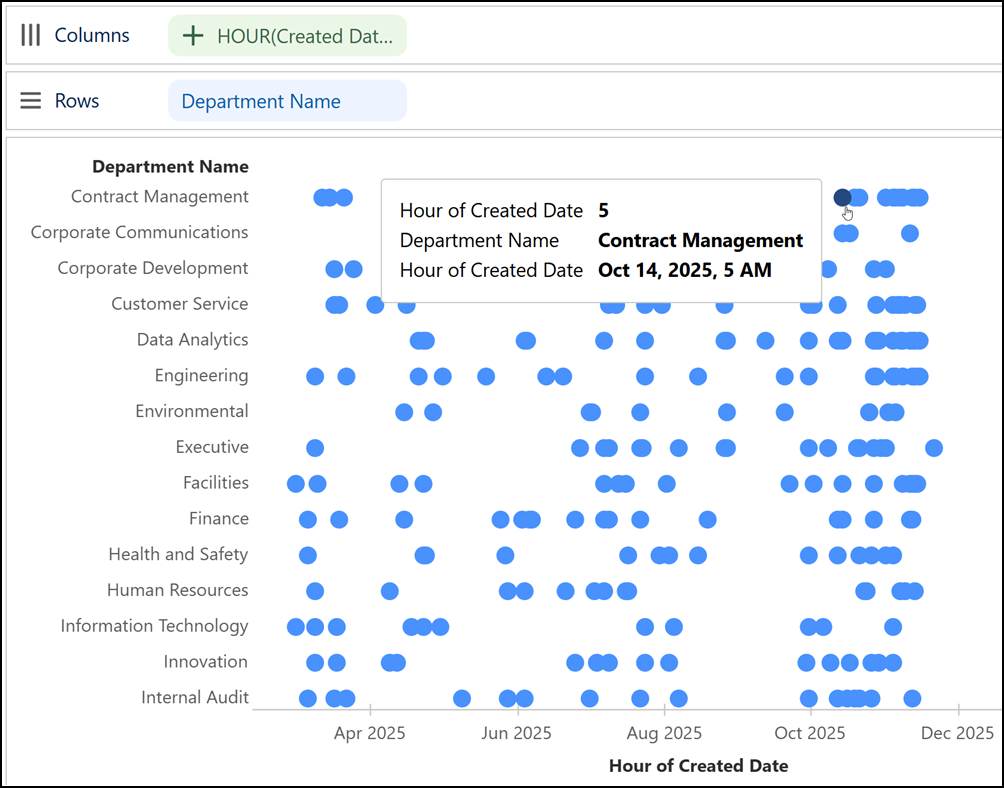
Uncover greater precision in analyzing data trends using hour, minute, and second levels from DateTime fields in Tableau Next. Analyze near real-time activity by using these fields in visualizations and tables to filter, sort, and aggregate data for deeper insights. Time values also appear in tooltips and on axes, making it easy to review exact timestamps. Previously, you could analyze time-based data only at the year, quarter, month, and day levels.
Where: This change applies to Tableau Next in Enterprise, Performance, and Unlimited editions.
Why: For example, view cases created by departments over time. Then drill to the hour level to pinpoint periods of increased case activity.
How: To drill down by time unit, open a date field’s context menu in a visualization or table. Select a time unit from Date Part or Date Value.