
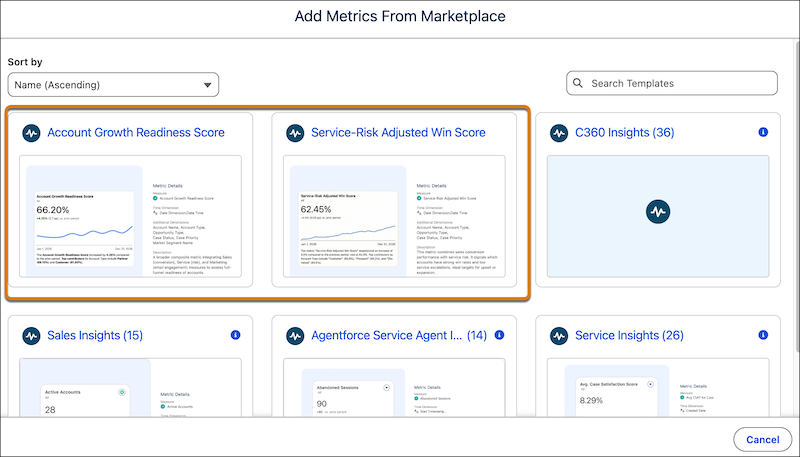
Get a quicker start with pre-built composite metric templates for the Sales Insights and Service Analytics Agent semantic models. Installing these metrics provides instant insights into your account growth readiness and service-risk adjusted win scores. You can quickly prioritize account action, assessing which accounts have full-funnel readiness or identifying ideal expansion targets based on a combination of strong win rates and low service escalations.
Where: This change applies to Tableau Next in Enterprise, Performance, and Unlimited editions.

Note Tableau Next Metric Templates is a pilot or beta service that is subject to the
Beta Services Terms at Agreements - Salesforce.com or a written Unified
Pilot Agreement if executed by Customer, and applicable terms in the Product Terms
Directory. Use of this pilot or beta service is at the Customer's sole
discretion.
How:
- In Tableau Next, click Administration, and then click Settings.
- On the General page, enable Metric Templates in Tableau Next Marketplace (Beta).
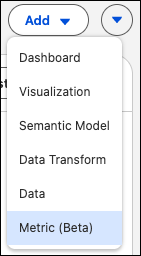
- From your Tableau Next workspace, click Add and select Metrics (Beta)
- Select the composite metric template that you want to use and walk through the flow to create your metric.
To use Sales and Service data, the Tableau Next metric templates require the prior installation of the associated data kit and data bundles.