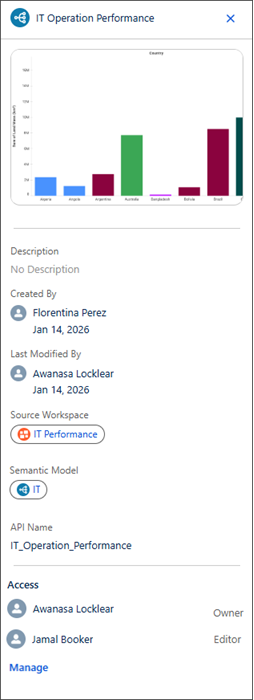
Identify which stakeholders have access to specific assets like marketing campaign dashboards at a glance. By integrating sharing management into the detail panel, you can verify your audience and instantly share content with additional colleagues.
Where: This change applies to Tableau Next in Enterprise, Performance, and Unlimited editions.
How: You can see the detail panel for an asset by selecting Details in the drop-down menu next to the asset. The Access section of the details panel shows a list of users and groups with access, along with their assigned roles for that asset (Viewer, Owner, or Editor). Select Manage to add, remove, or change sharing permissions for the asset.