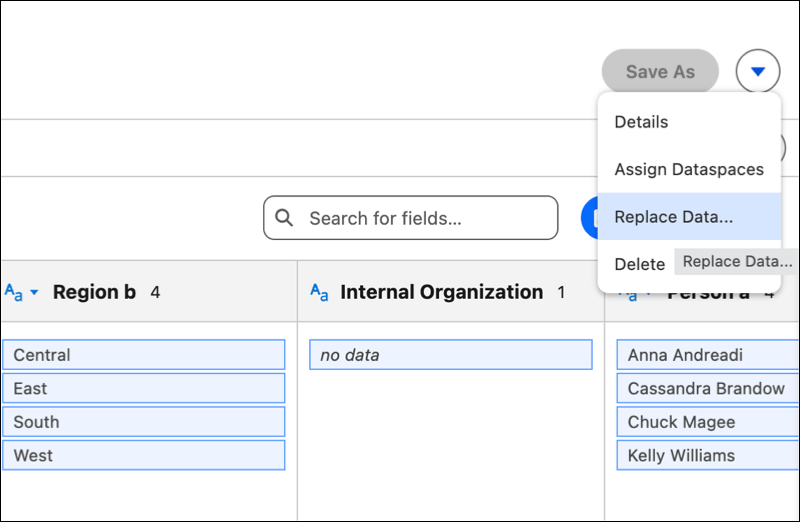
Maintain a single source of truth by replacing existing data with updated Excel and CSV files. Use the same upload interface to support Excel files up to 10 MB and CSV files up to 100 MB. This process preserves your established data structures while enabling you to work with the latest records available.
Where: This change applies to Tableau Next in Enterprise, Performance, and Unlimited editions.
How: To refresh your data, open the Data Lake Object for the selected table and click Replace Data… then Upload File. Review the data preview and confirm that the formatting is correct before finalizing the update to your existing data object. Tableau Next determines whether to use synchronous or asynchronous processing based on the file size and the number of columns.