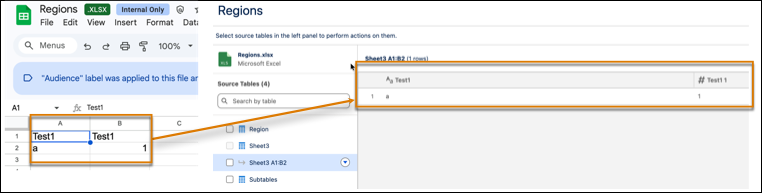
The Data Interpreter for Tableau Next automates the cleaning of unformatted Excel files. It identifies and resolves common spreadsheet issues such as multi-row headers, merged cells, and rows containing titles or notes. The Data Interpreter’s transforms formatting issues without requiring manual edits to the original file.
Where: This change applies to Tableau Next in Enterprise, Performance, and Unlimited editions.

How: In a new or existing workspace, click Connect to New Data or Add, and then select Upload File. To resolve formatting issues, click Run Data Interpreter.
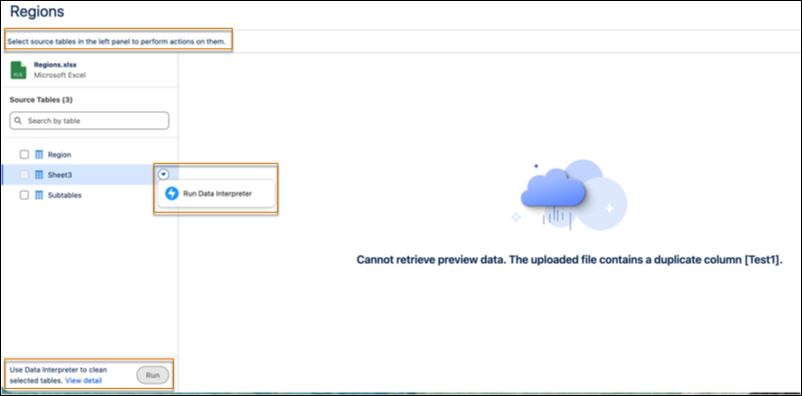
The Data Interpreter generates a refined version of your file for review. It handles complex layouts by automatically splitting multiple tables on a single sheet into distinct datasets.