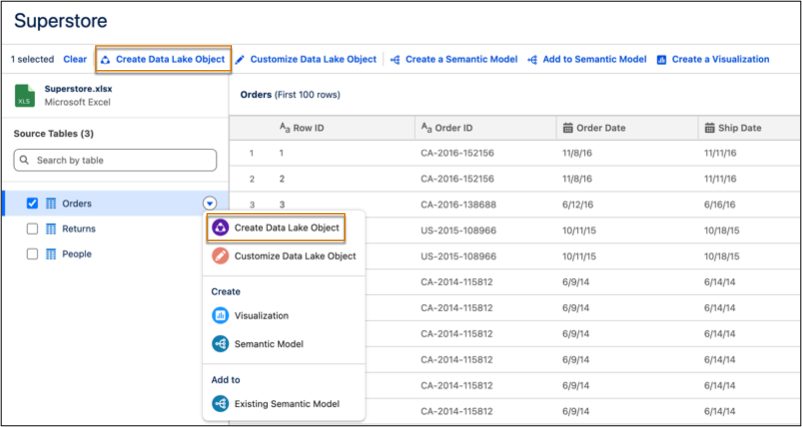
Expand your data exploration by bringing local Excel files into your workspace to create native Data Cloud assets without complex integrations. You can upload files up to 100 MB and 500 columns, enabling you to build custom datasets for high-level analysis.
Where: This change applies to Tableau Next in Enterprise, Performance, and Unlimited editions.
How: In a new or existing workspace, click Add or Connect to New Data and select From File Upload. After selecting an Excel file and verifying the sample data, click Create Data Lake Object to finalize the ingestion.