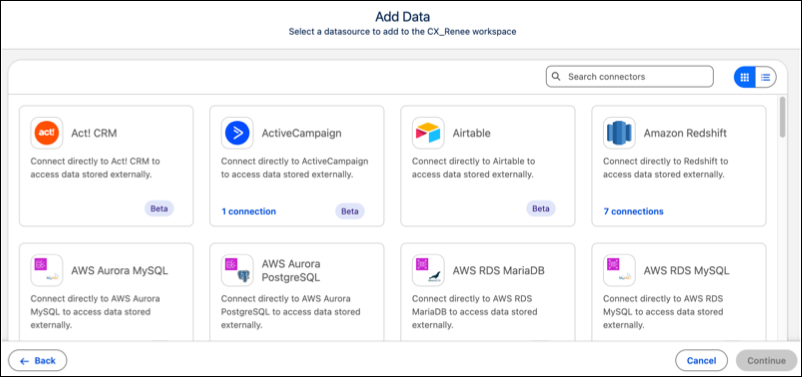
Create and manage your library of data connectors with the new Connector Catalog. This feature provides a view of all supported connectors, including Snowflake, and Google BigQuery, alongside their specific connection features. Easily identify which connectors have existing active connections and maintain a cleaner data environment.
Where: This change applies to Tableau Next in Enterprise, Performance, and Unlimited editions.
How: To get started, open your workspace and select Add, then Data.
Next, open the Connectors Catalog by clicking From Connector. Use the search window to find a specific connector. Use the list toggle to switch the card view to a list view.