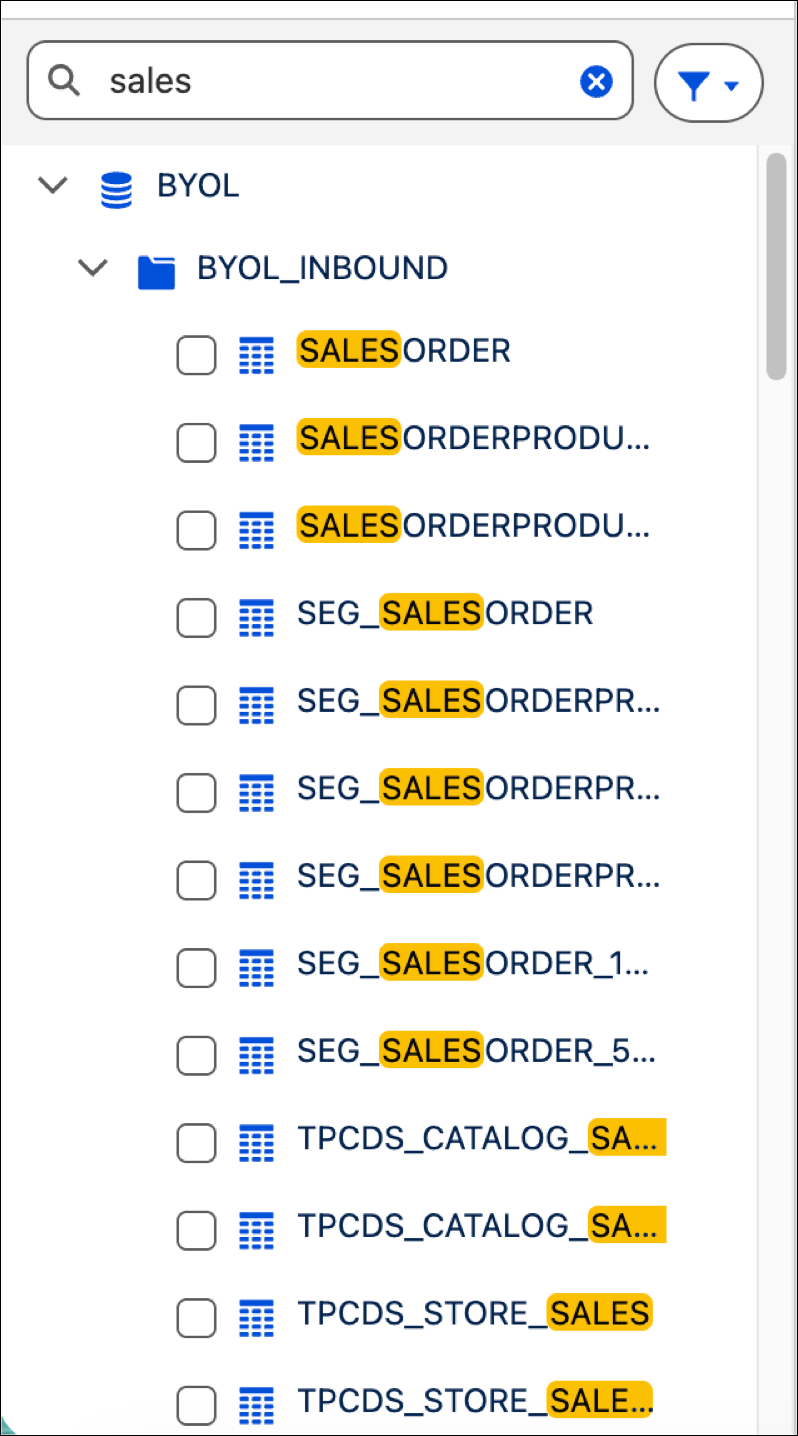
Find specific schemas and tables within a data source by using keyword searches. Search results maintain their folder hierarchy and automatically expand parent schemas to provide immediate context for your data. This search capability eliminates manual scrolling in high-volume data environments and makes sure that you can access every available table instantly.
Where: This change applies to Tableau Next in Enterprise, Performance, and Unlimited editions.
How: To search for a specific data source, such as a database, schema, or table, first open a Data Connection within your workspace. Then, enter a value into the search bar in the left panel. You can also add a filter to show tables with DLOs. The panel updates to show the data sources that match your search query.