
Access available metrics and visualizations from your dashboard workspace now in a convenient panel. Find relevant assets with the new search bar and add them to your dashboard.
Where: This change applies to Tableau Next in Enterprise, Performance, and Unlimited editions.
How: To add a workspace asset to a dashboard, put the dashboard into Edit mode. Select an asset from the Content tab and add it to the dashboard.
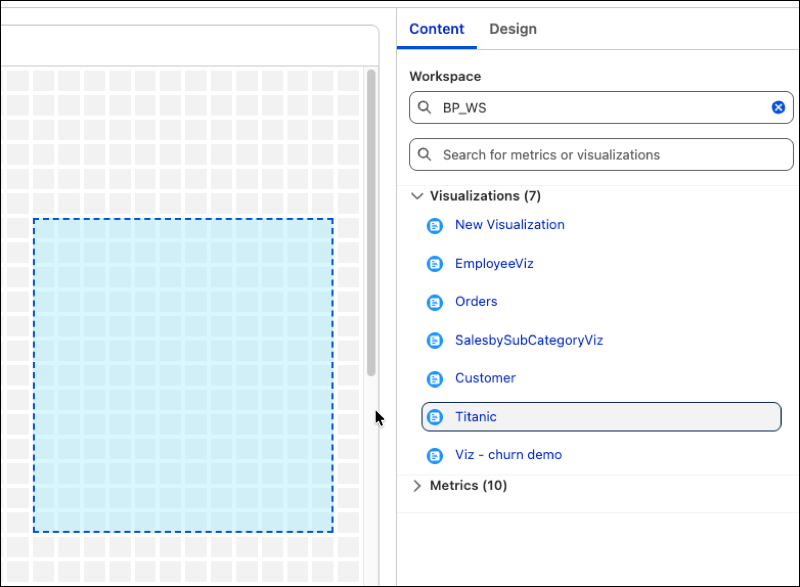
To add assets from another workspace, use the search window at the top. To find metrics and visualizations in the current workspace, use the search bar at the bottom.