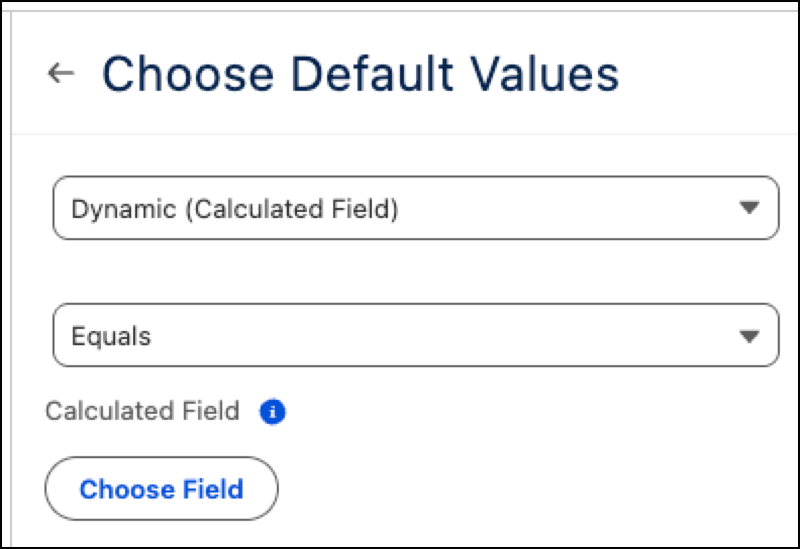
Customize dashboards, metrics, and visualizations by setting dynamic default values. Use filters and calculated fields to automatically filter views to your preferred view, such as region or industry, the moment you open a dashboard. This update streamlines workflows by presenting the most relevant data immediately, eliminating the need for manual filtering or extra clicks.
Where: This change applies to Tableau Next in Enterprise, Performance, and Unlimited editions.
How: To set a static value on a filter, add or edit a dashboard filter. Click Select Values on the Widget tab and select your default values.
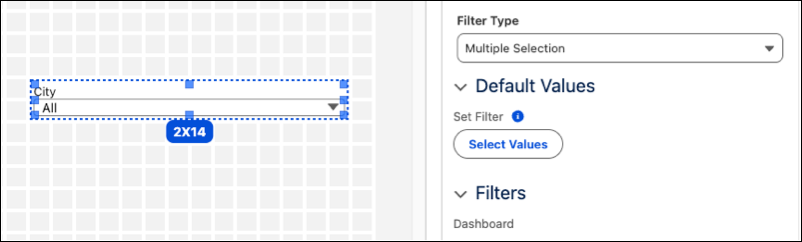
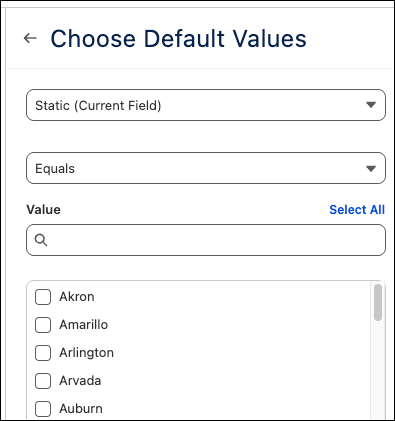
To set a dynamic value with a calculated field, add or edit a dashboard filter. Click Select Values. Select Dynamic (Calculated Field), then click Choose Field to select a calculated field. Click Done when finished.