
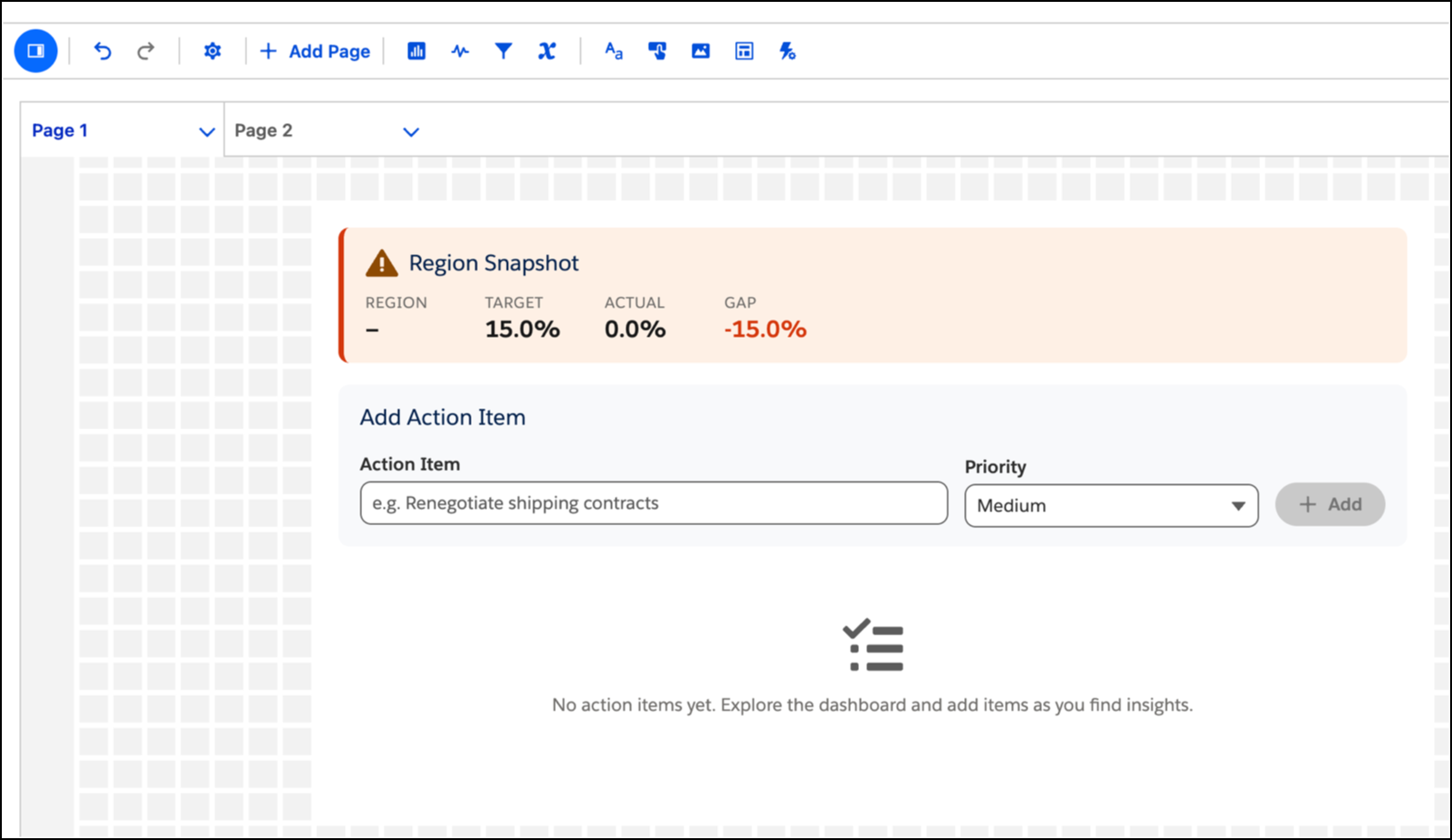
Create insights and action by transforming data visualizations into operational tools that update external systems directly from the dashboard. Use custom components to facilitate complex tasks, such as restock requests that sync immediately with your back-end databases. Because these extensions inherit global dashboard styling and respond to filter updates, they provide a cohesive and native user experience.
Where: This change applies to Tableau Next in Enterprise, Performance, and Unlimited editions.
How: To add an extension, such as a Lightning Web Component, click the Extension widget
 and place it on your dashboard. Click Add Extension, and select
your component.
and place it on your dashboard. Click Add Extension, and select
your component.
To learn how to create and enable extensions, see Integrate Custom Lightning Web Components in Tableau Next Dashboards with the Extensions SDK