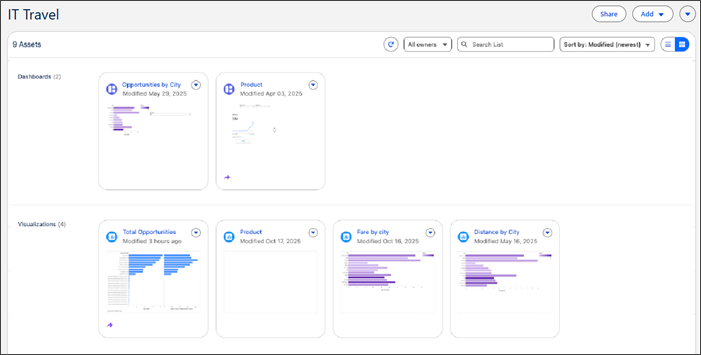
Content creators who manage complex workspaces with many assets can now rely on card view thumbnails for better visual guidance. The card view displays a thumbnail on each card for dashboards and visualizations that you previously opened. Card view lets you easily choose the correct asset, improving efficiency and the overall authoring experience.
Where: This change applies to Tableau Next in Enterprise, Performance, and Unlimited editions.
How: Workspace card view is enabled by default in Tableau Next. Select a card to open an asset or expand the thumbnail to see more detail. Saved changes to the asset generate a new thumbnail.