Create professional, branded dashboards by adding images, such as company logos and user profile pictures with the Image widget. Upload files directly from your computer to make your data more recognizable and relatable for your stakeholders.
Where: This change applies to Tableau Next in Enterprise, Performance, and Unlimited editions.
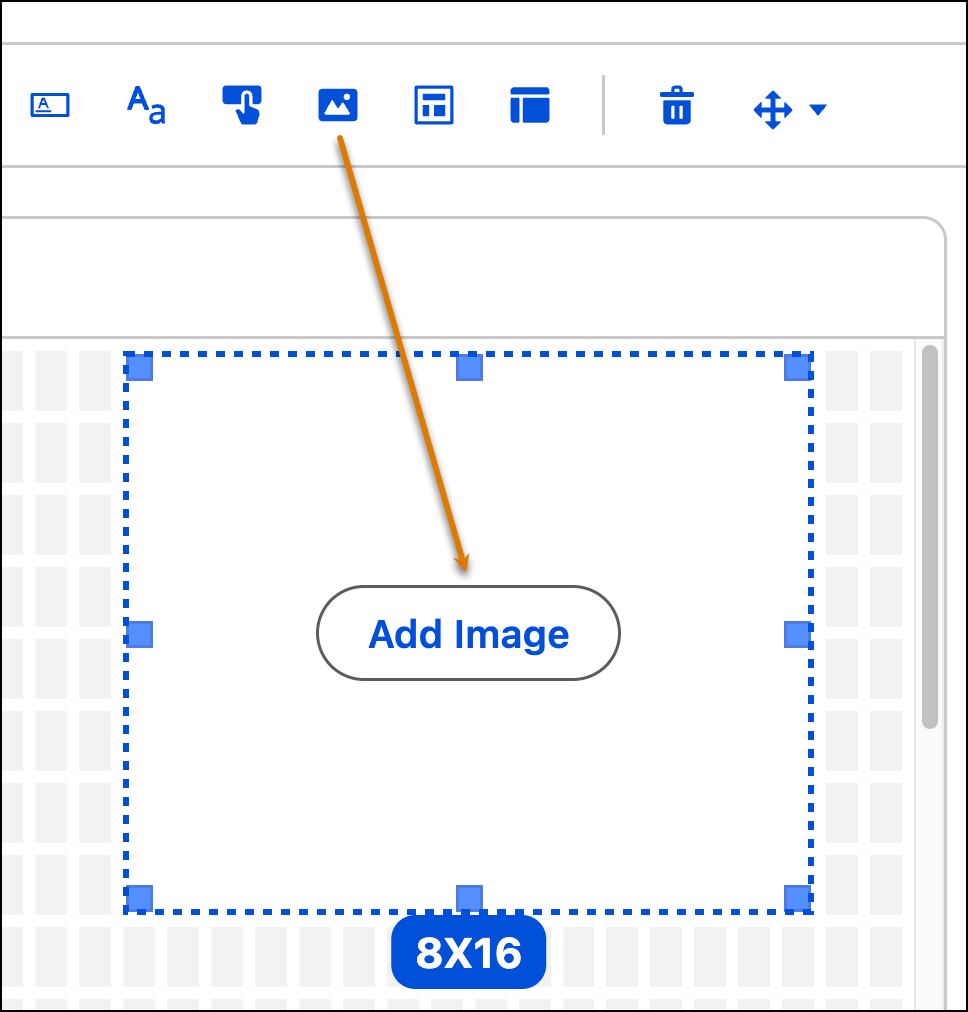
How: To add an image to the dashboard, click the Image widget and place it on the dashboard. Click Add Image.
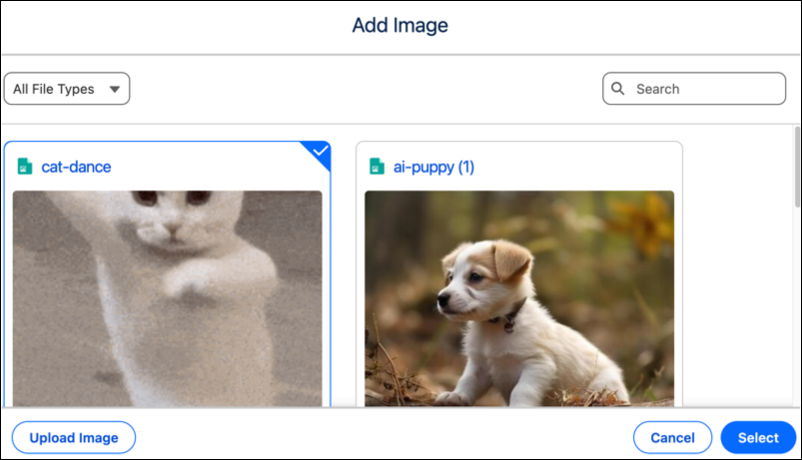
You can either search and select an image that's in the image library or click Upload Image to add one.