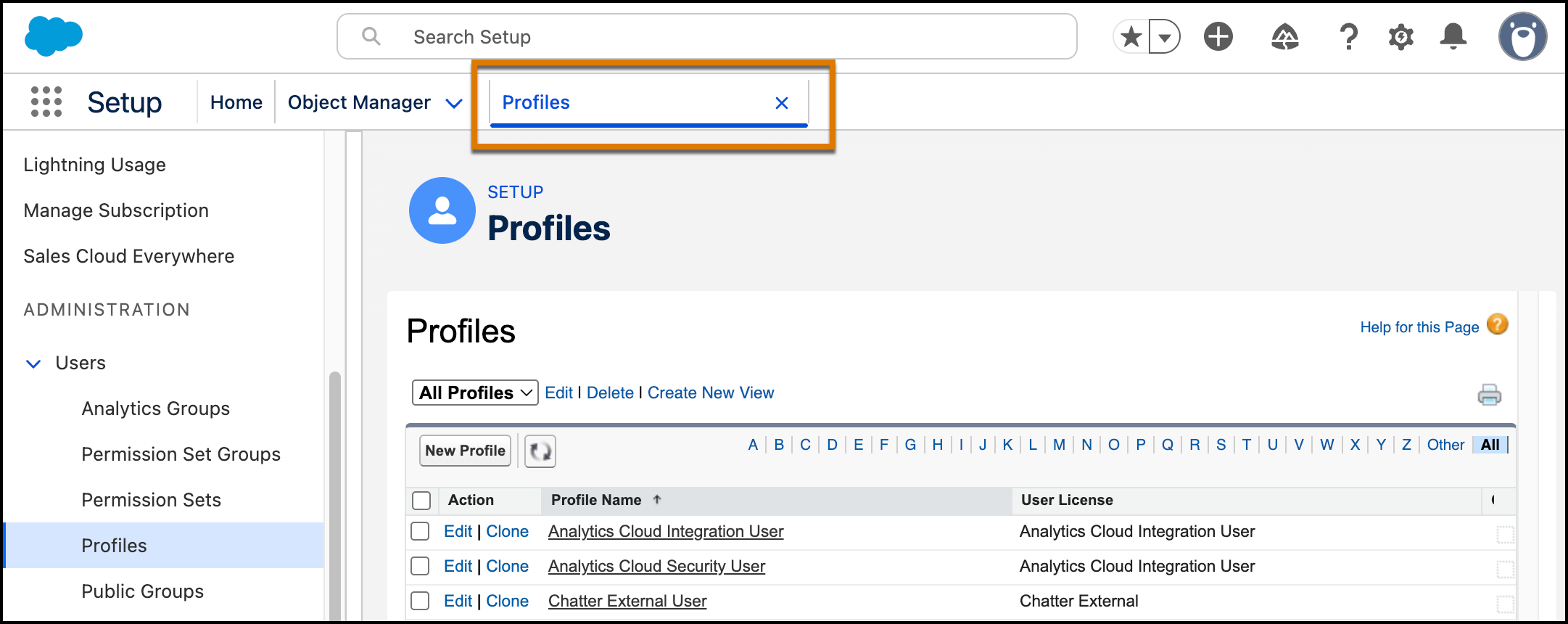
In Salesforce orgs that have enabled Setup with Agentforce, Setup pages open in a single dedicated tab instead of overwriting the Setup Home page. Now you can context switch between Home, agent conversations, and Setup pages without losing work.
Where: This feature is available in Lightning Experience in Enterprise, Performance, Unlimited, and Developer editions with Foundations or Agentforce 1 editions.

Note Setup with Agentforce is a pilot or beta service that is subject to the Beta Services
Terms at Agreements - Salesforce.com or a written Unified Pilot Agreement, if
executed by Customer, and the Non-GA Credit Consumption term in the Product Terms
Directory. Enabling this pilot or beta service consumes Data 360 credits and is at
the Customer's sole discretion.
Who: This change applies to all Setup users, including those without the Use Setup with Agentforce permission.
How: The title of the Setup tab changes to reflect the title of each page that you open.