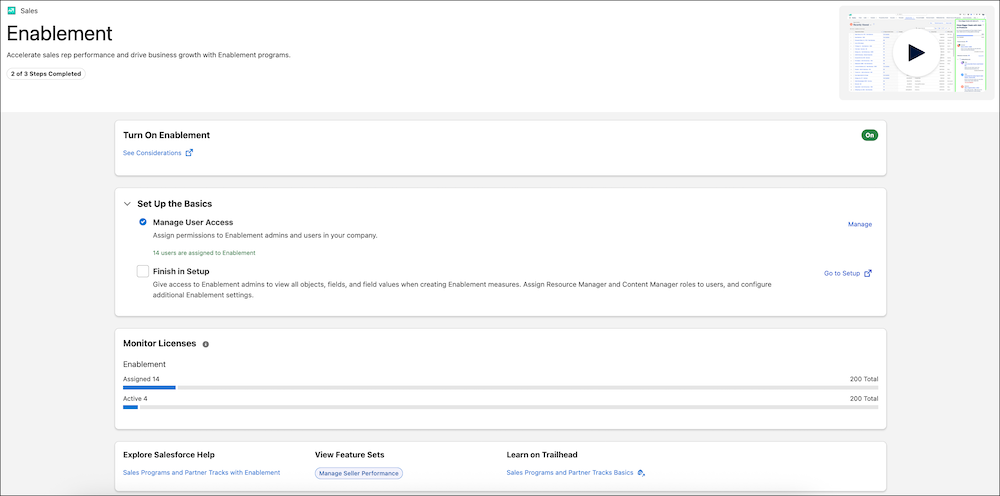
Discover and set up Enablement for your sales teams in a unified experience with Salesforce Go. Assign permissions directly in Salesforce Go, and monitor usage to ensure users are getting the most out of Enablement.
Where: This change applies to Lightning Experience in Enterprise, Performance, Unlimited, Einstein 1 Sales, and Developer editions with Sales Cloud, Service Cloud, or Salesforce Platform. An Enablement add-on license is required.
How: Select Salesforce Go from the gear menu or from the main Setup menu. To find and set up Enablement, go to the Features tab or search for Enablement.