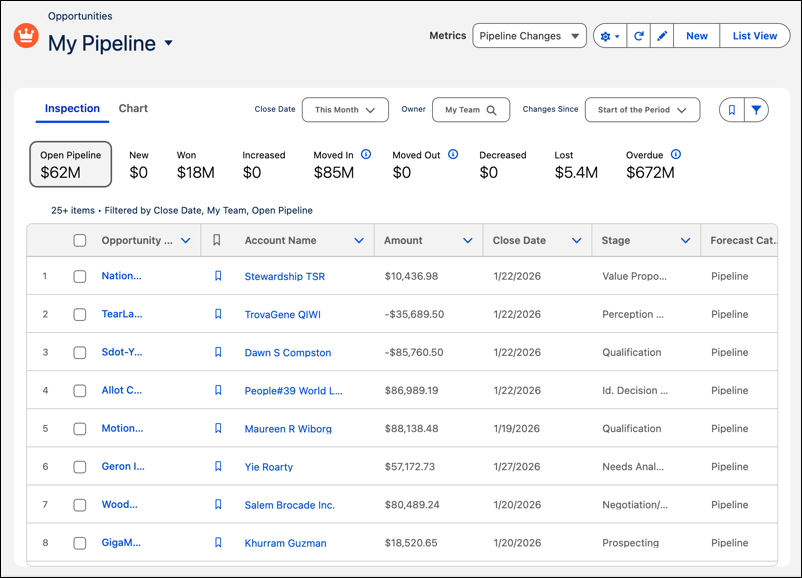
To align with the new Salesforce Lightning Design System 2 (SLDS 2) Salesforce Cosmos theme, we implemented style updates across several Sales pages. Get an enhanced user experience, particularly when you use SLDS 2 or dark mode. They’re also visible when you use an SLDS 1 theme.

Note Dark mode is a pilot or beta service that is subject to the Beta Services Terms at Agreements - Salesforce.com or a written Unified Pilot Agreement
if executed by Customer, and applicable terms in the Product Terms Directory. Use of
this pilot or beta service is at the Customer's sole discretion.
Where: This change applies to Lightning Experience in Enterprise and Unlimited editions with Sales Cloud.
How: You see changes to Account Plans, Forecasting, Pipeline Inspection, Prospecting Center, and the Intelligence Views for leads, contacts, and accounts.
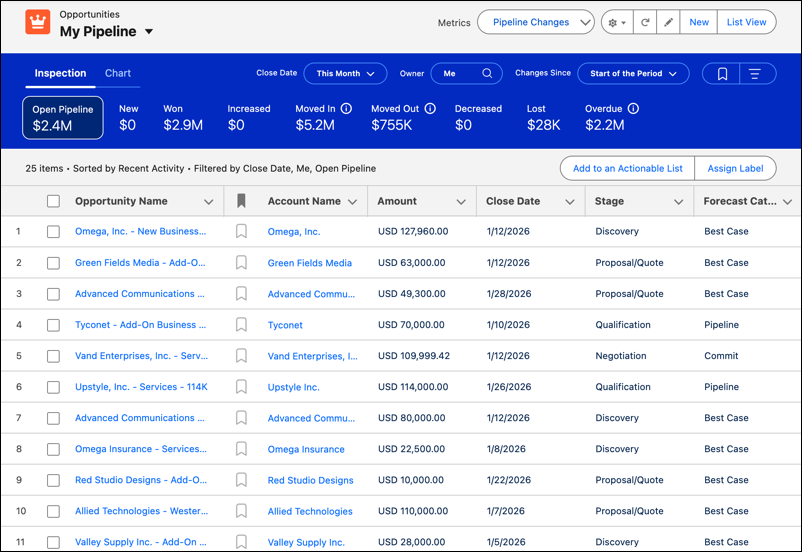
For example, the metrics in Pipeline Inspection were in a blue header previously. They now show in a simplified view with no colors.