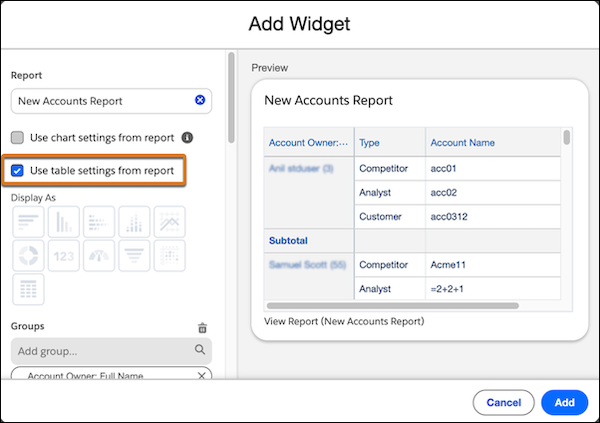
Save time and reduce manual configuration of report settings, such as groupings, custom formulas, and bucketing when adding lightning tables to dashboards. This feature reduces the risk of errors and ensures that the tables in the dashboard retain the same configuration as the report. This feature is now generally available.
Where: This change applies to Lightning Experience in Enterprise, Professional, and Unlimited editions.
How: When adding a Lightning table to your dashboard, select Use table settings from report.