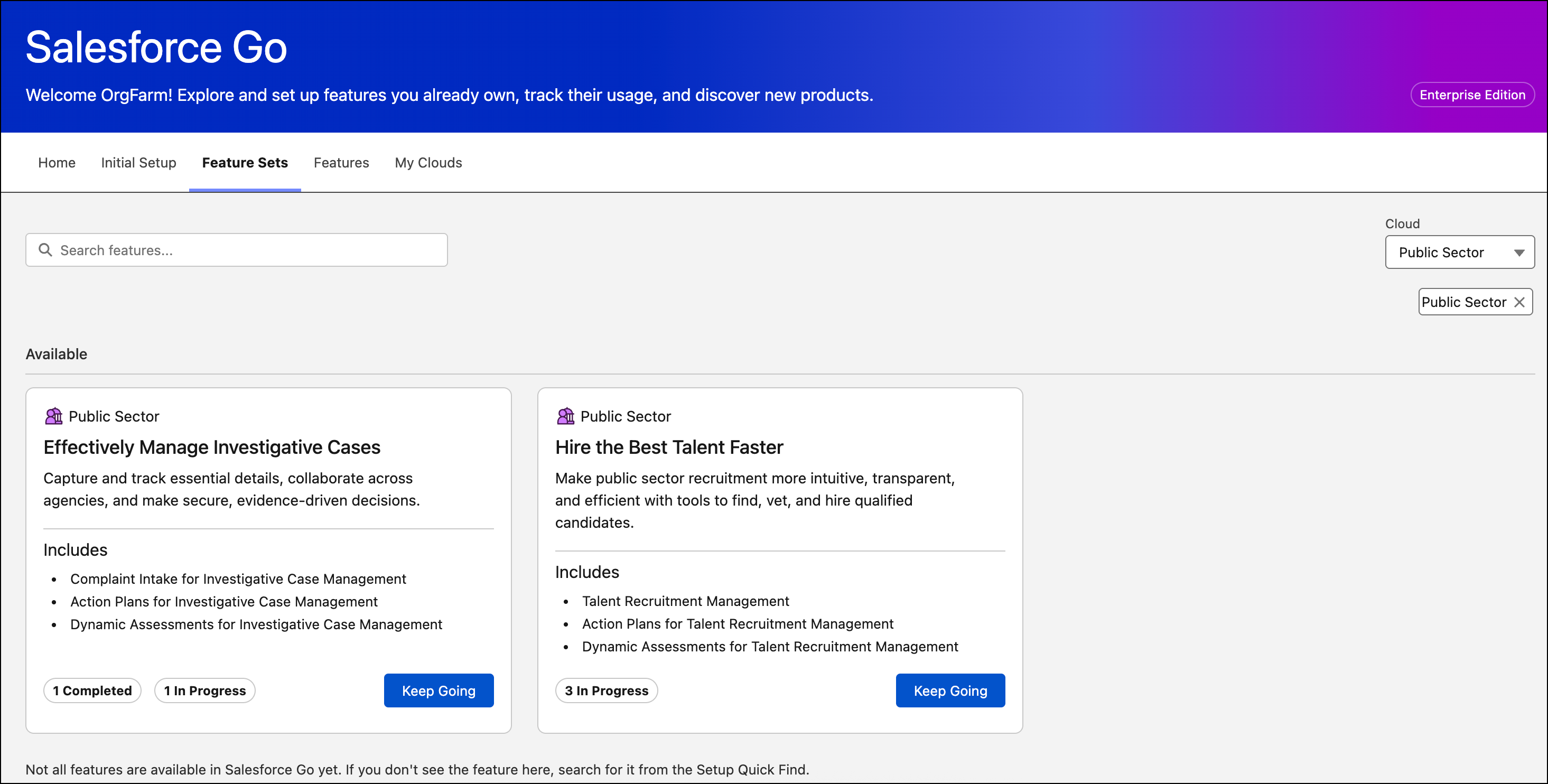
With Salesforce Go, discover, set up, and configure Investigative Case Management features, and track feature usage, all from a single location in Setup. Learn more about the features and get help with configuration by accessing content resources and links.
Where: This change applies to Lightning Experience in Enterprise, Performance, Unlimited, and Developer editions where Agentforce Public Sector, formerly Public Sector Solutions, is enabled.
How: From the Setup dropdown, select Salesforce Go. Then go to the Effectively Manage Investigative Cases feature set to manage your settings in Go.