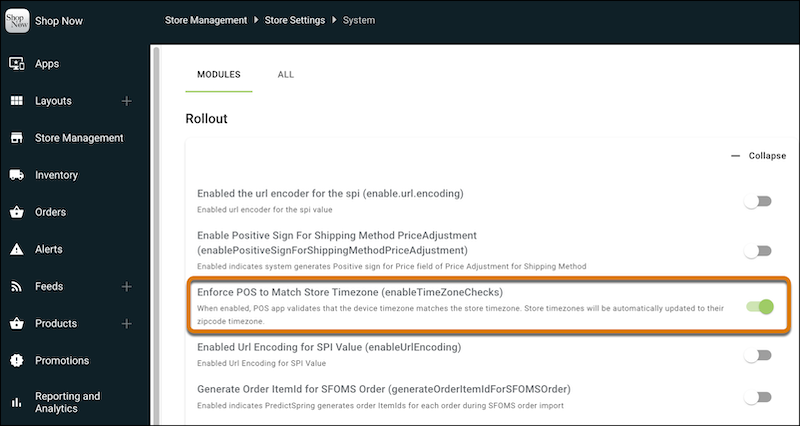
Keep your store operations running smoothly by requiring time zone consistency between your POS devices and store location. If the device time zone doesn’t match your store’s time zone you can now block device logins. Previously, cross-time zone logins created business date mismatches that permanently blocked daily store closures and disrupted operations.
Where: This change applies to Point of Sale.
How: In CMS, go to . Expand Rollout, and then turn on Enforce POS to Match Store Time Zone.