
Create content faster with extensions and enhancements to content templates and reusable content blocks. Use extensions to add productivity features to the content authoring experience such as third-party generative AI tools. Quickly create consistent content by using preconfigured email and landing page templates and reusable content blocks, which are now available to landing pages. More new features in emails, landing pages, and forms streamline the content creation and personalization processes.
Where: These changes apply to Salesforce Enterprise and Unlimited editions with Marketing Cloud Next Growth or Advanced editions, and Marketing Cloud Next for Marketing Cloud Engagement. They also apply to these editions when Salesforce Foundations is enabled. Your edition determines the options that you have.
Improve Readability with Extensions
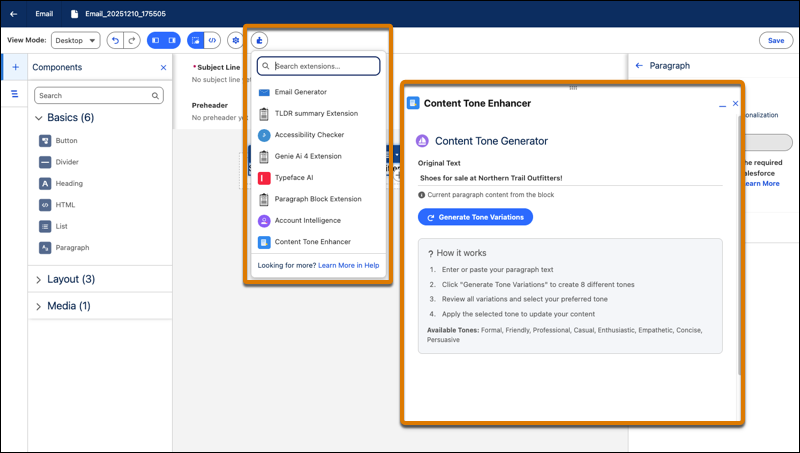
Add productivity features, such as third-party generative AI tools, tone and grammar editors, and translators, to the content authoring experience with extensions. Extensions appear in a floating panel in the builder and marketers can use them to draft, revise, or customize the entire content body or individual components. Developers can build extensions for specific content types or for builder components.
SEE ALSO | Create Content More Efficiently by Using Improved Extensions in Salesforce CMS
Tailored Templates for Quick and Easy Branding
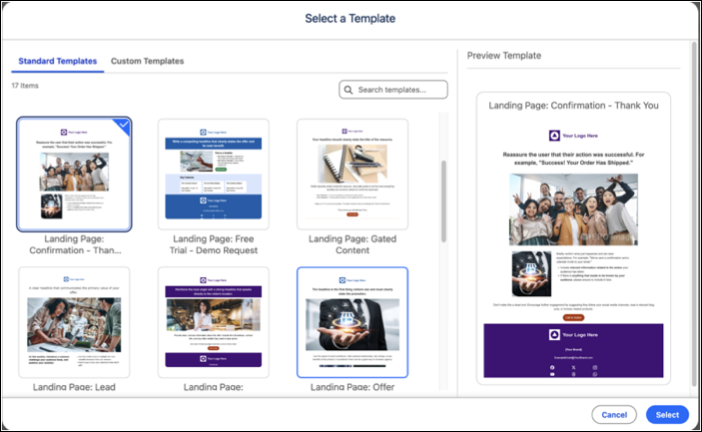
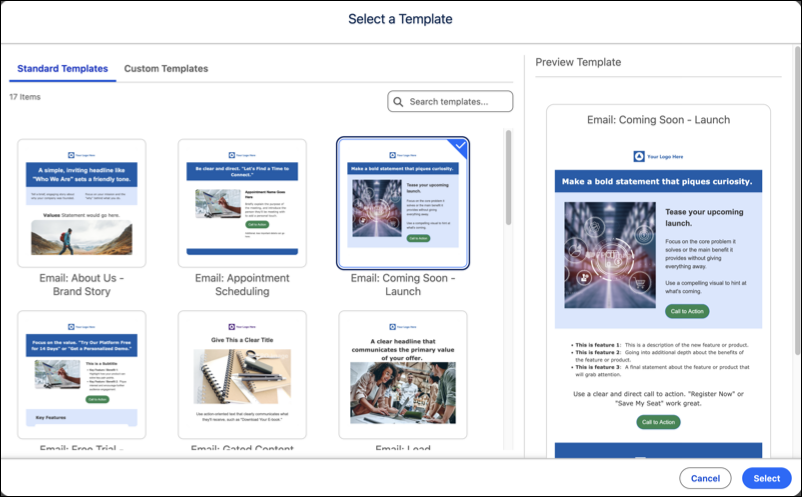
Access a library of preconfigured email and landing page templates that are designed to be applicable to every industry. Marketers can now quickly customize and style the content with ease to align with your campaign goals and branding.
SEE ALSO | Salesforce Help: Create an Email Template in Marketing Cloud Next
SEE ALSO | Share Marketing-Approved Email Templates with Non-Marketing Users
Reuse and Customize Content Blocks in Landing Pages and Emails
To make sure that landing pages are consistent, content admins or managers can create reusable blocks of content such as banners, footers, or other standard layouts. Use the new Content Block: Landing Page to combine text, images, and buttons into a reusable block that marketers can add to landing pages. To streamline authoring, content blocks are customizable in landing pages and emails. Marketers can convert a content block to a section, and then edit it without impacting the original reusable block.
SEE ALSO | Salesforce Help: Create and Manage a Reusable Content Block