
Enable the Error Console to capture and display component and page errors without interrupting your work in Salesforce. The console collects non-fatal errors so you can see them when it’s convenient for you, and they don’t require interaction. Fatal errors still show in modal error panels that you must dismiss before continuing. Fatal errors are also collected in the Error Console for later inspection.
Where: This change applies to Lightning Experience.
Why: The Error Console keeps non-fatal errors from interrupting your work, while making it easier to share error details with your Salesforce admin or developer.
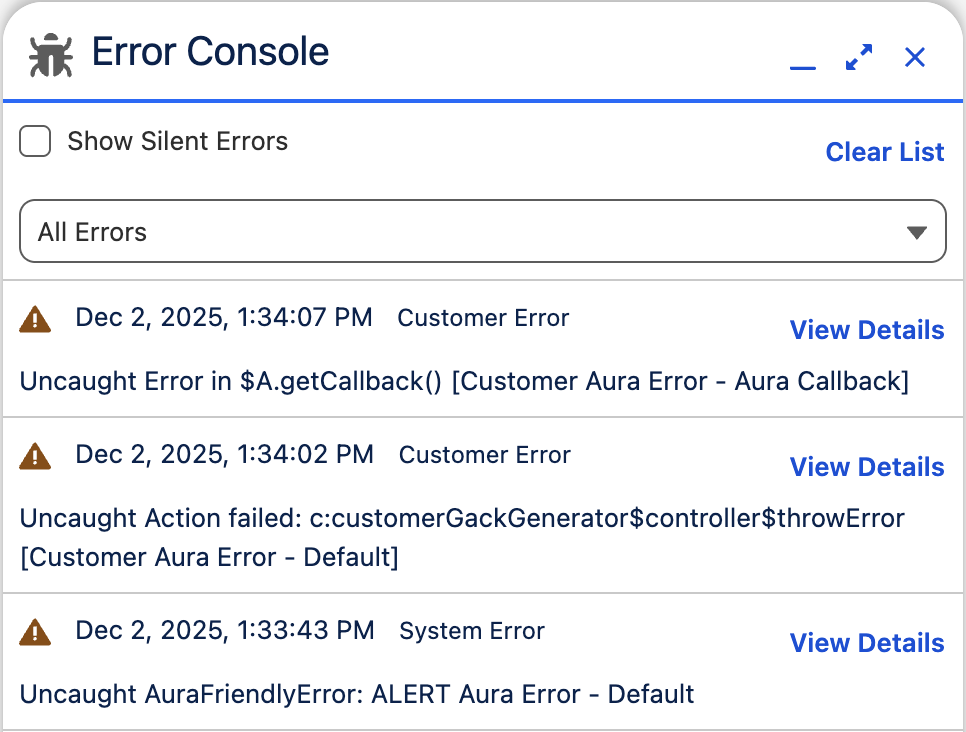
How: From Setup, in the Quick Find box, enter User Interface, and then select User Interface. Enable the Use Error Console for error reporting in Lightning Experience option in the Advanced Settings section. See View Errors in the Error Console for additional details.