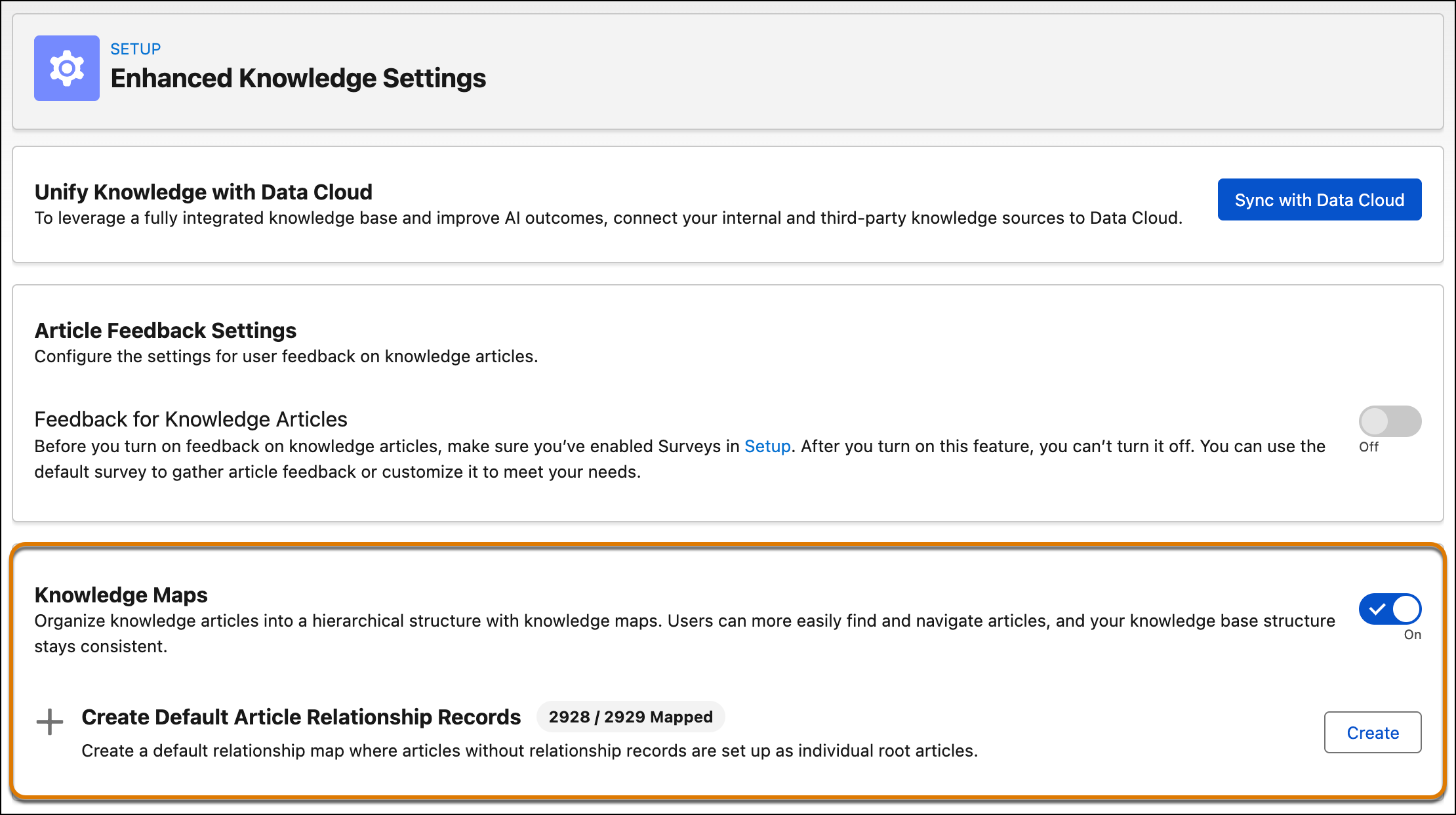
Organize your knowledge articles into a hierarchical structure to make it easier for users to find and navigate content. This feature helps to keep your knowledge base consistent and well-structured, enhancing user experience and efficiency. This feature, which is now generally available, includes some changes since the pilot release.
Where: This change applies to Lightning Experience in Essentials, Professional, Enterprise, Unlimited, and Developer editions.
How: In Setup, go to the Enhanced Knowledge Settings page and turn on Knowledge Maps. Then, click Create to build a default relationship map to fill structural gaps in your knowledge base hierarchy where articles without relationships are set as individual root articles.