
Designate employees who have the Unified Employee license as employee users and capture more details for your reports, such as employee status and number.
Where: This change applies to Enterprise, Performance, and Unlimited editions.
How: To designate a user as an employee user, first create a Person Account for this user and associate the account to the user’s Employee2 record. Then, on the person’s User page, click Enable Employee User and fill out the necessary details.
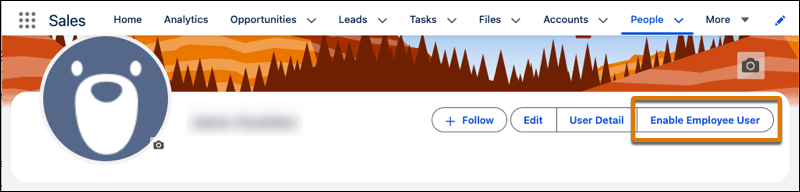
After you designate someone as an employee user, the button changes to View Employee User, and you can view the user’s Employee2 record page.