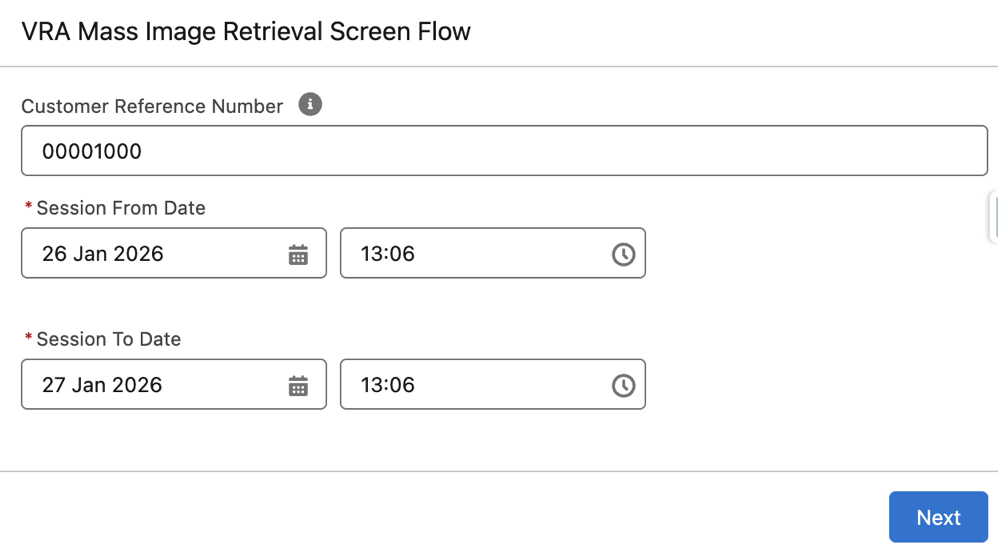
Streamline Image Management by Retrieving Multiple Visual Remote Assistant (VRA) Images
Efficiently capture multiple VRA session images at once and store them directly in Salesforce with the VRA Mass Image Retrieval screen flow. Centralizing these images on related records ensures easy access to historical session images for review and follow-up.
Where: This feature is available in Lightning Experience for Enterprise, Unlimited, and Developer editions with the Field Service managed package and Visual Remote Assistant installed.
How: Run the VRA Mass Image Retrieval screen flow, select a reference record, and define a session date range. The flow triggers a custom process that retrieves the selected images from secure cloud storage, saves these images as Salesforce files, and automatically links them to the session record for easy bulk management.