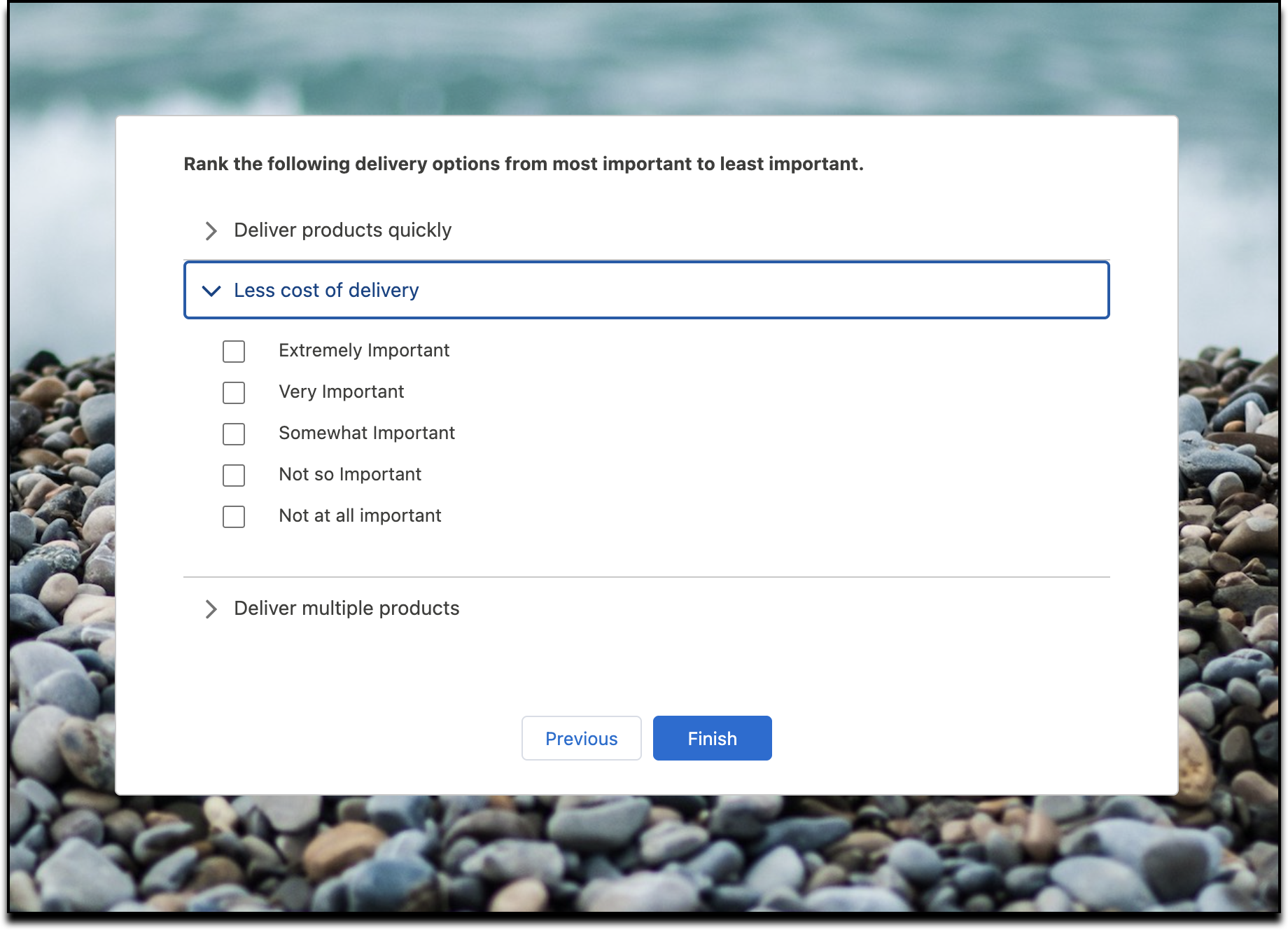
Improve survey readability on desktops and smaller screens with the revamped view for matrix questions. The new design presents options for each question in a dedicated dropdown menu, making it easier to read the full question and select an option.
Where: This change applies to Lightning Experience and Salesforce Classic in Enterprise, Unlimited, and Developer Editions where Feedback Management - Starter or Feedback Management - Growth is enabled.
Why: The prior tabular format used for matrix questions presented multiple challenges for users, especially on smaller screens. The dense layout often required scrolling to view all selection options. Longer question text sometimes crowded the options, making both elements difficult to read. The redesigned view resolves these issues by giving each matrix question its own dropdown, which significantly enhances readability and simplifies the process of selecting options on mobile and desktop devices.
How: In the Survey Builder, click Add Question, and then select Matrix.