Cascading Style Sheets (CSS) offer flexible styling for your surveys. Custom CSS lets you define the fonts, colors, layout, padding between elements, and icon alignment and size of the survey beyond the default settings of the Survey Builder. You can use Custom CSS to create surveys that perfectly align with your branding.
Where: This change applies to Lightning Experience and Salesforce Classic in Enterprise, Unlimited, and Developer Editions where Feedback Management - Starter or Feedback Management - Growth is enabled.
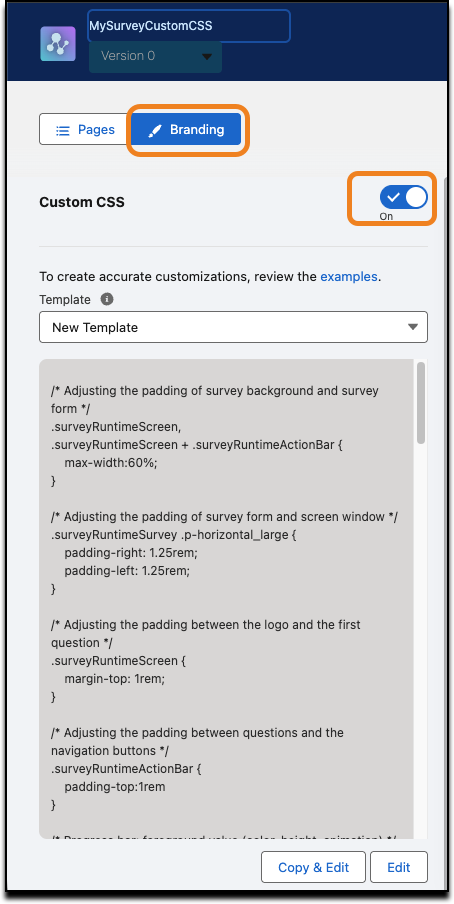
How: To use Custom CSS for your survey, go to your survey page, click Branding, and then turn on Custom CSS.