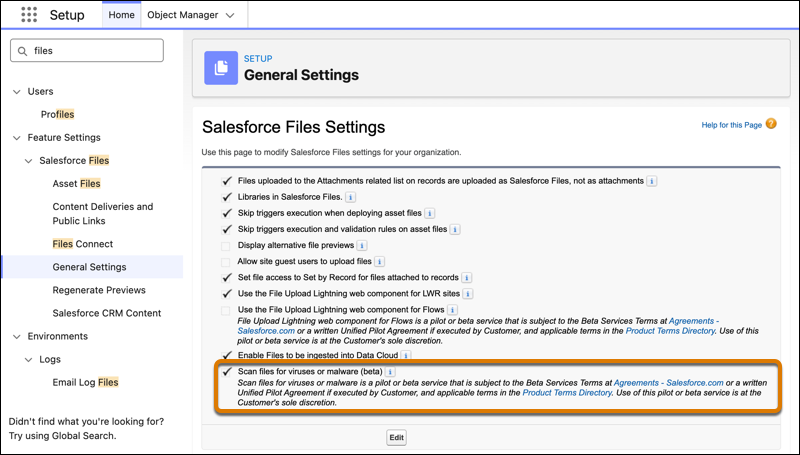
For improved security in your Salesforce org, files are now scanned for malware in Salesforce Files. When a user tries to upload a file, the process is blocked if the scanned file is malicious. If a malicious file is uploaded via the API, it’s scanned asynchronously, and it appears in the new Malicious Files (Beta) list. When a user attempts to download an existing file, the download is blocked if it’s malicious. This feature was developed based on your idea on IdeaExchange.
Where: This change applies to Salesforce Files accessed through Lightning Experience and Salesforce Classic in Essentials, Group, Enterprise, Professional, Performance, Unlimited, Contact Manager, and Developer editions hosted on Hyperforce.

When: This functionality is available on a rolling basis starting in Spring ’26. For details about timing and eligibility, contact your Salesforce account executive.
Who: File owners, or users who have access to a file that was shared with them, can view a file even if it’s malicious. To access the Malicious Files (Beta) list and all identified malicious files or to download malicious files, you need the Manage Malicious Files (Beta) user permission. To only download malicious files, you need the Download Malicious Files (Beta) user permission.
How: From Setup, in the Quick Find box, enter Files, and then select . The setting Scan files for viruses or malware (beta) is turned on by default. If a new file isn’t scanned during the initial upload, it’s scanned asynchronously and added to the Malicious Files List (Beta) if it contains malware.