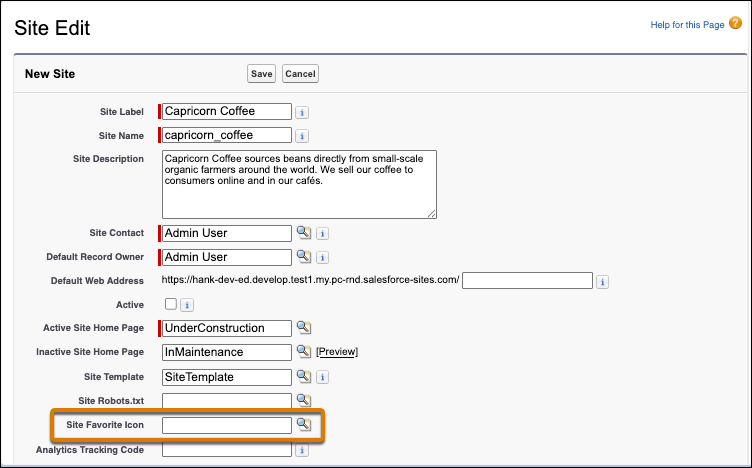
Visualforce sites now support an empty value in the Site Favorite Icon field. The small icon appears in browser tabs, bookmarks, and search results for your site. Previously, when no icon was specified, users could see the Salesforce logo.
Where: These changes apply to Salesforce Sites and Visualforce sites accessed through Lightning Experience and Salesforce Classic in Enterprise, Performance, Unlimited, and Developer editions.
How: To update the favicon, upload an image via the Site Favorite Icon field on the Site Edit page for your Visualforce site.