
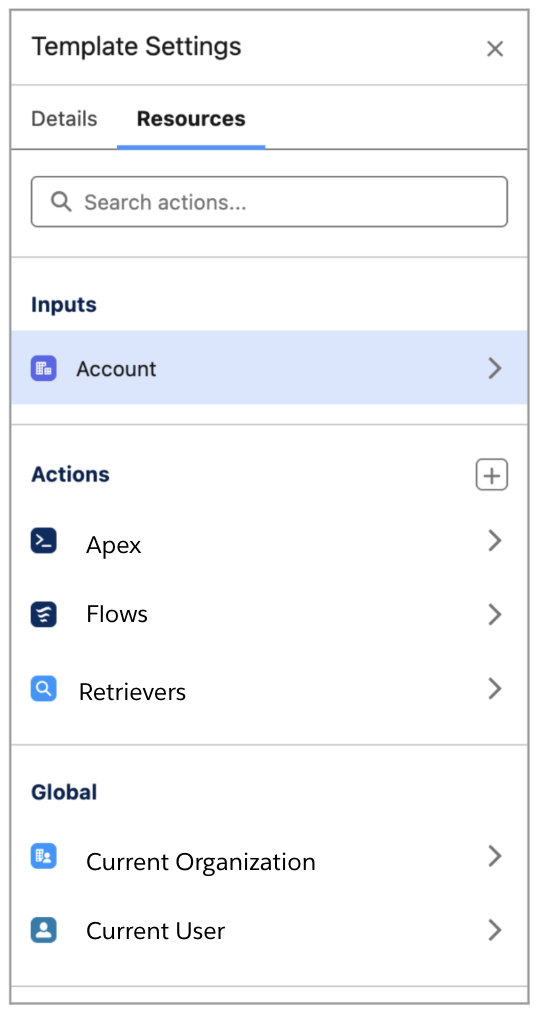
Prompt Builder introduces an enhanced Resources panel that simplifies how you manage actions and inputs. Add new actions and configure existing ones, such as flows, Apex, and retrievers, directly in Prompt Builder.
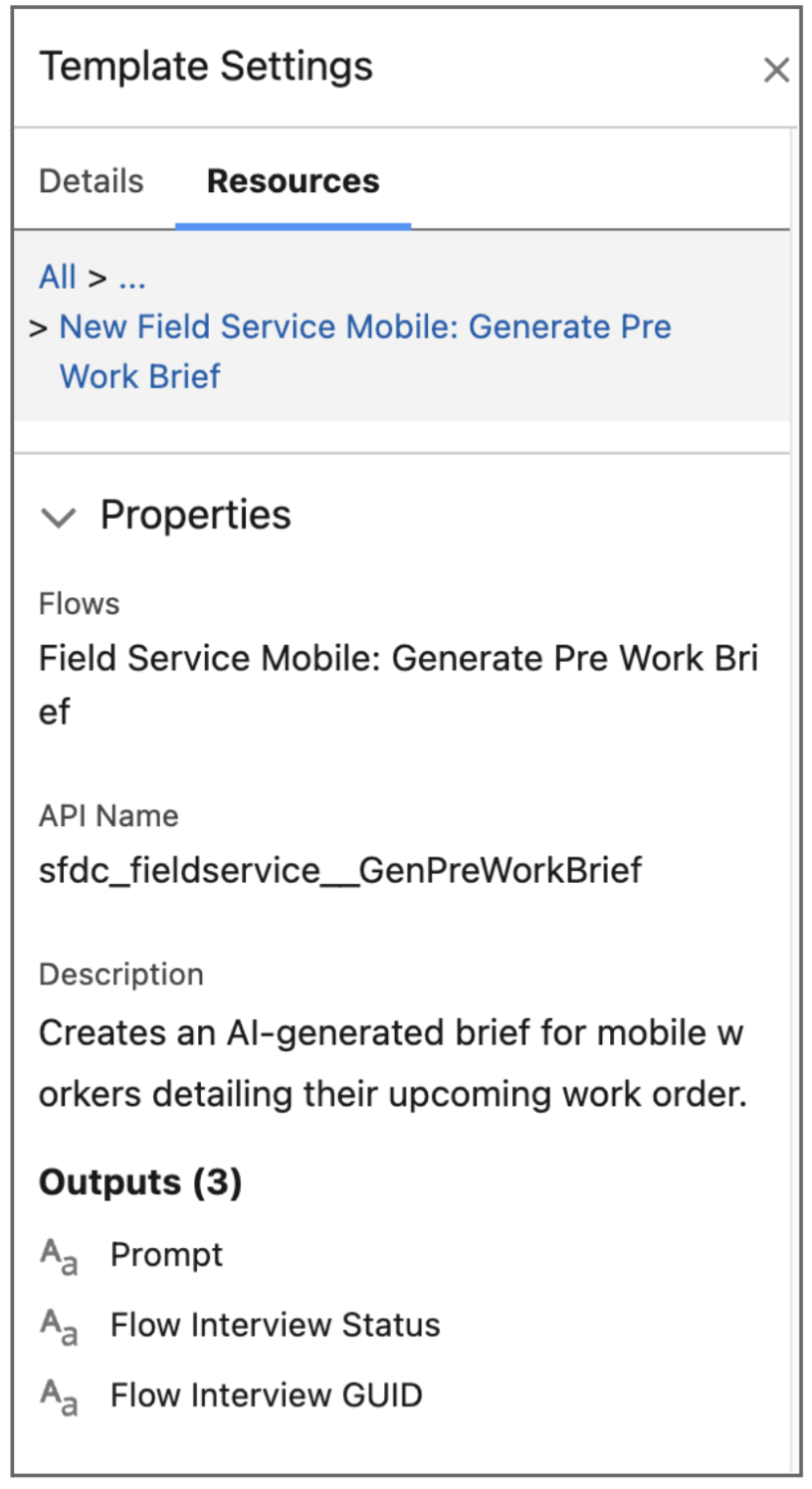
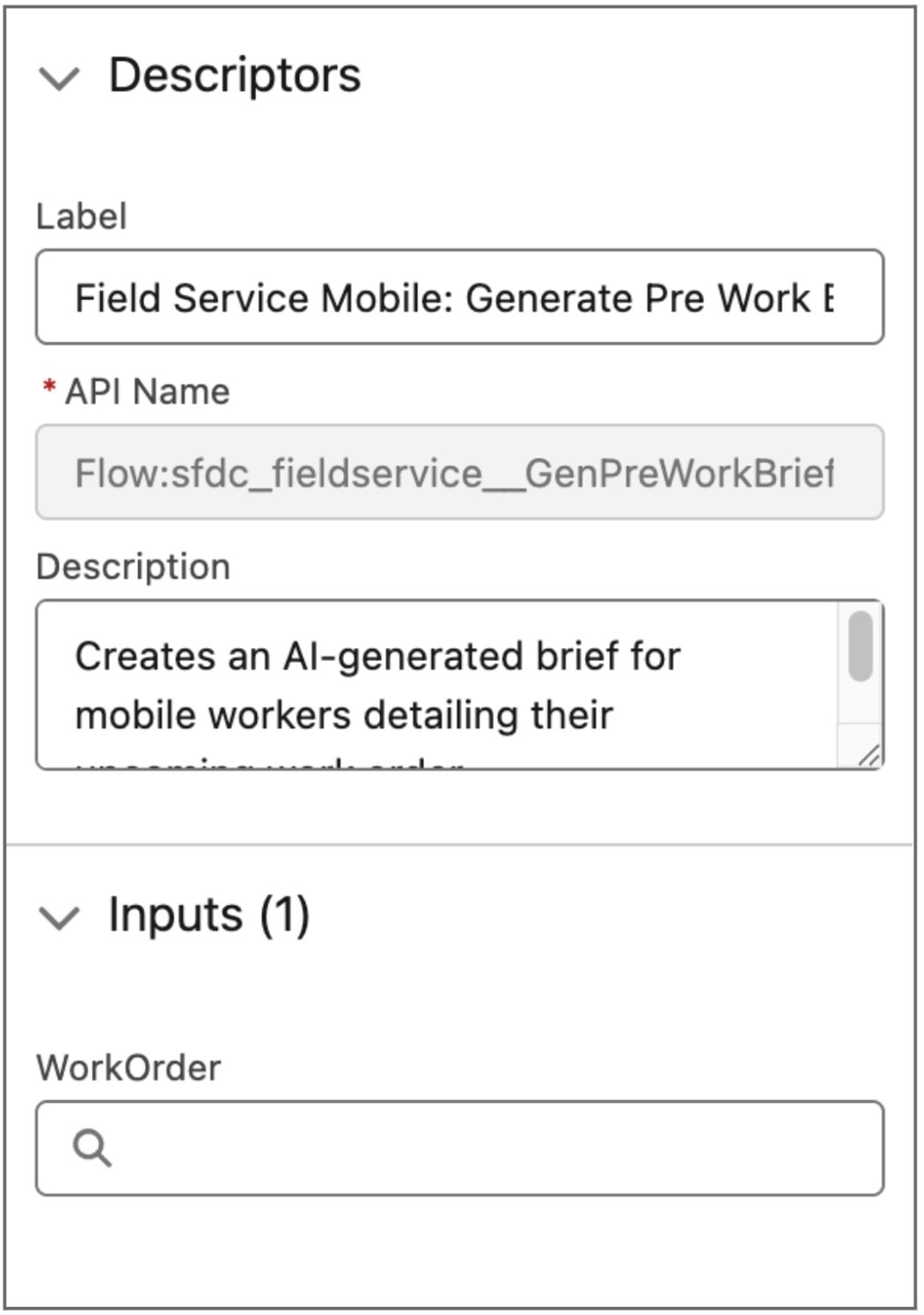
Use the Resources panel to update existing actions and view detailed metadata, including the action description, API name, and associated inputs. This update gives you a more streamlined way to ground prompts in Salesforce data and improve AI response accuracy.
Where: This change applies to Lightning Experience in Enterprise, Performance, and Unlimited editions with an Einstein for Sales, Einstein for Platform, or Einstein for Service add-on.
When: This feature is available starting the week of February 20, 2026.
How: View action details in the Resources panel, including metadata, description, and required or optional inputs. To edit a prompt template: In Template Settings, click the Resources tab, select the type, then select the action.
 |
 |
 |