
Add new inputs to an existing prompt template in Prompt Builder. Add an object, free text, or data model objects directly from the Resources panel and include them in your template.
Where: This change applies to Lightning Experience in Enterprise, Performance, and Unlimited editions with an Einstein for Sales, Einstein for Platform, or Einstein for Service add-on.
When: This feature is available starting the week of February 23, 2026.
Why: This change applies to Lightning Experience in Enterprise, Performance, and Unlimited editions with an Einstein for Sales, Einstein for Platform, or Einstein for Service add-on.
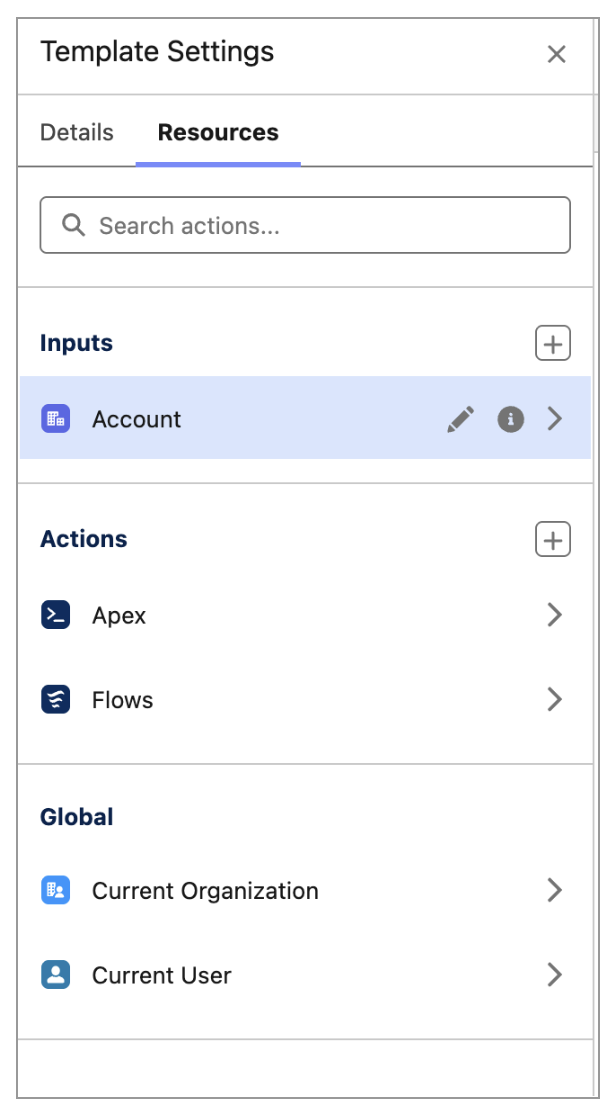
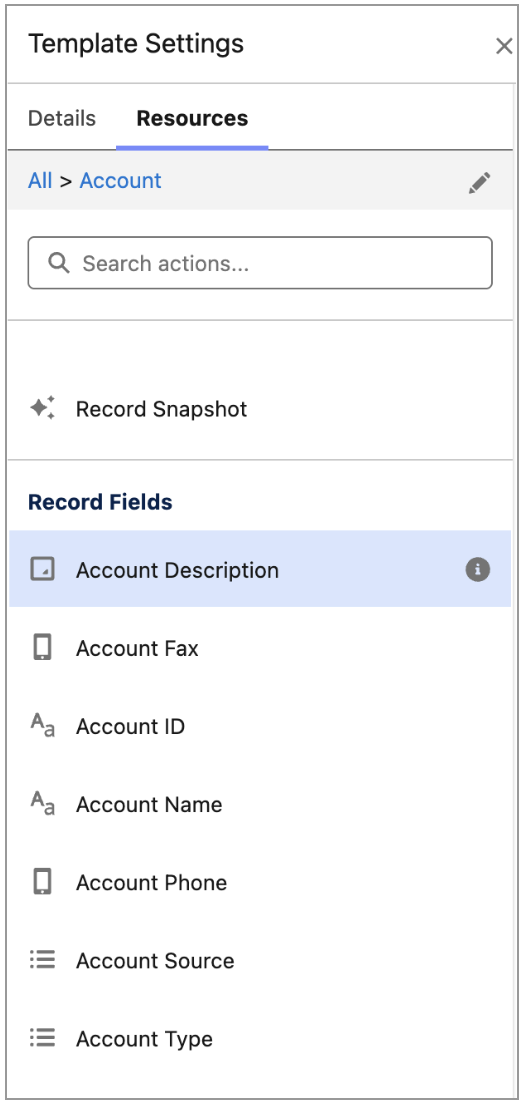
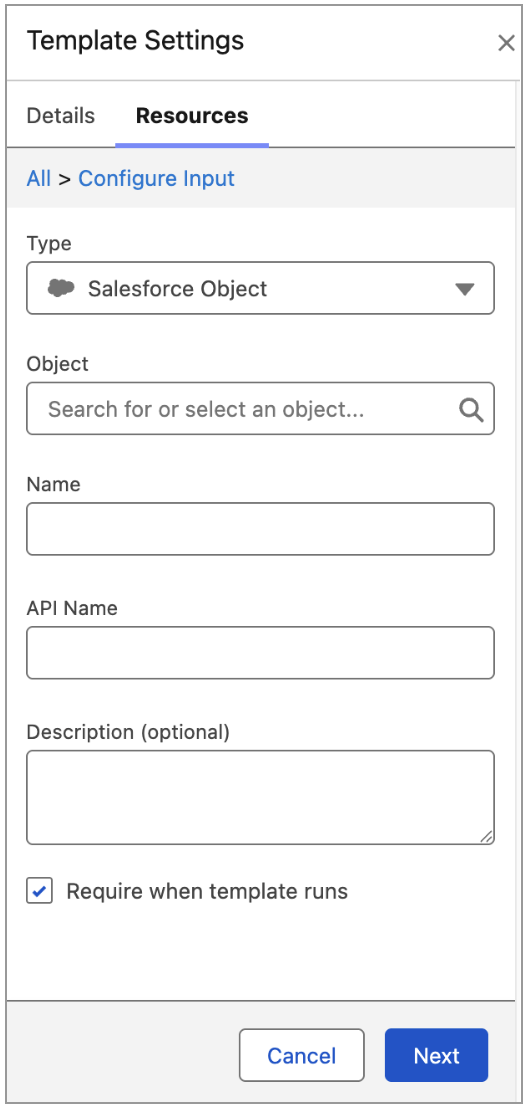
How: In the Prompt Builder canvas, click Properties, click Resources, and then click the Add icon. Select the input type that you want to create and define its details. To make the input optional, deselect Require when template runs. Click Next, and then add the new input from the Inputs section to your prompt template.
 |
 |
 |